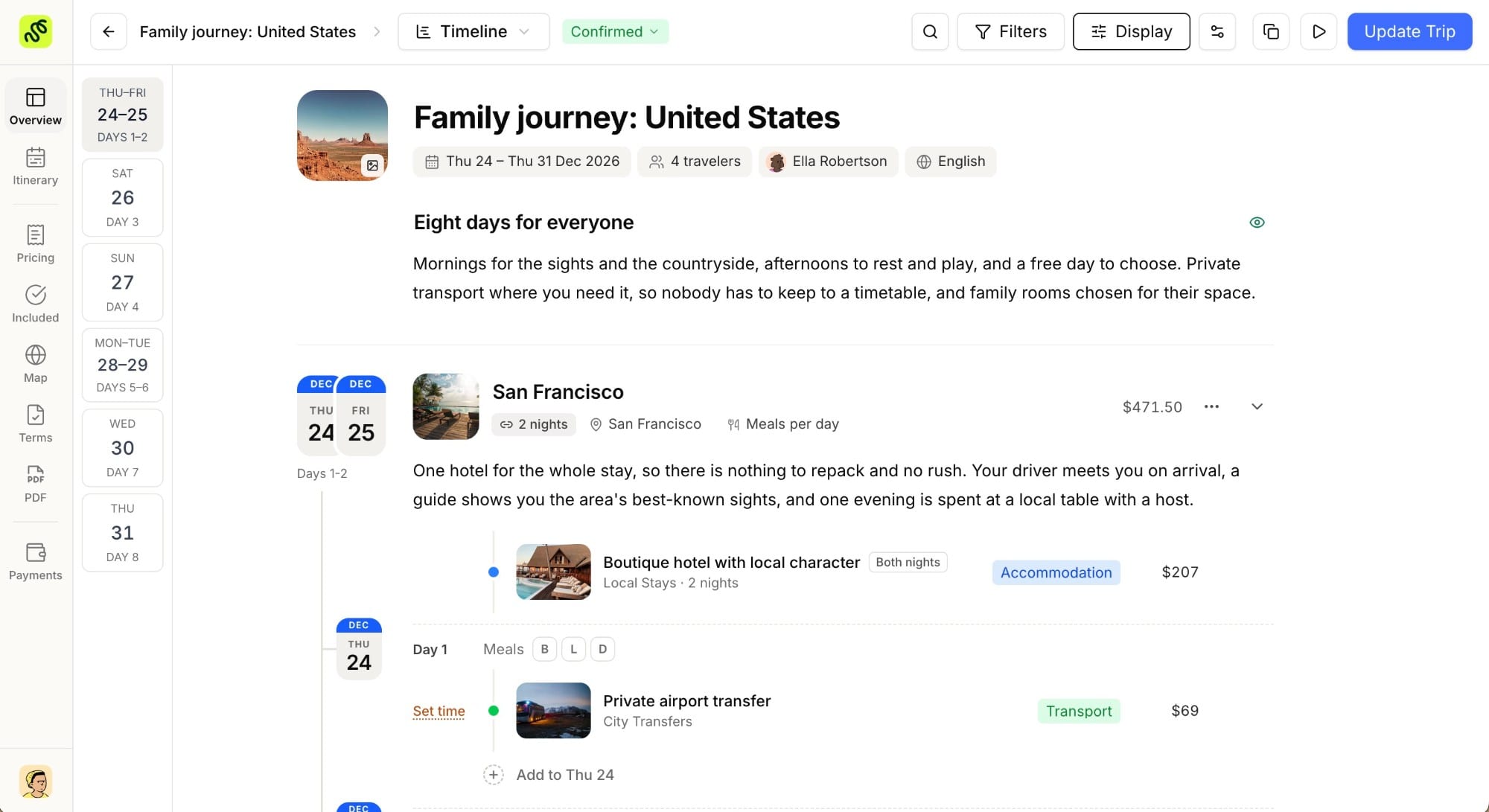
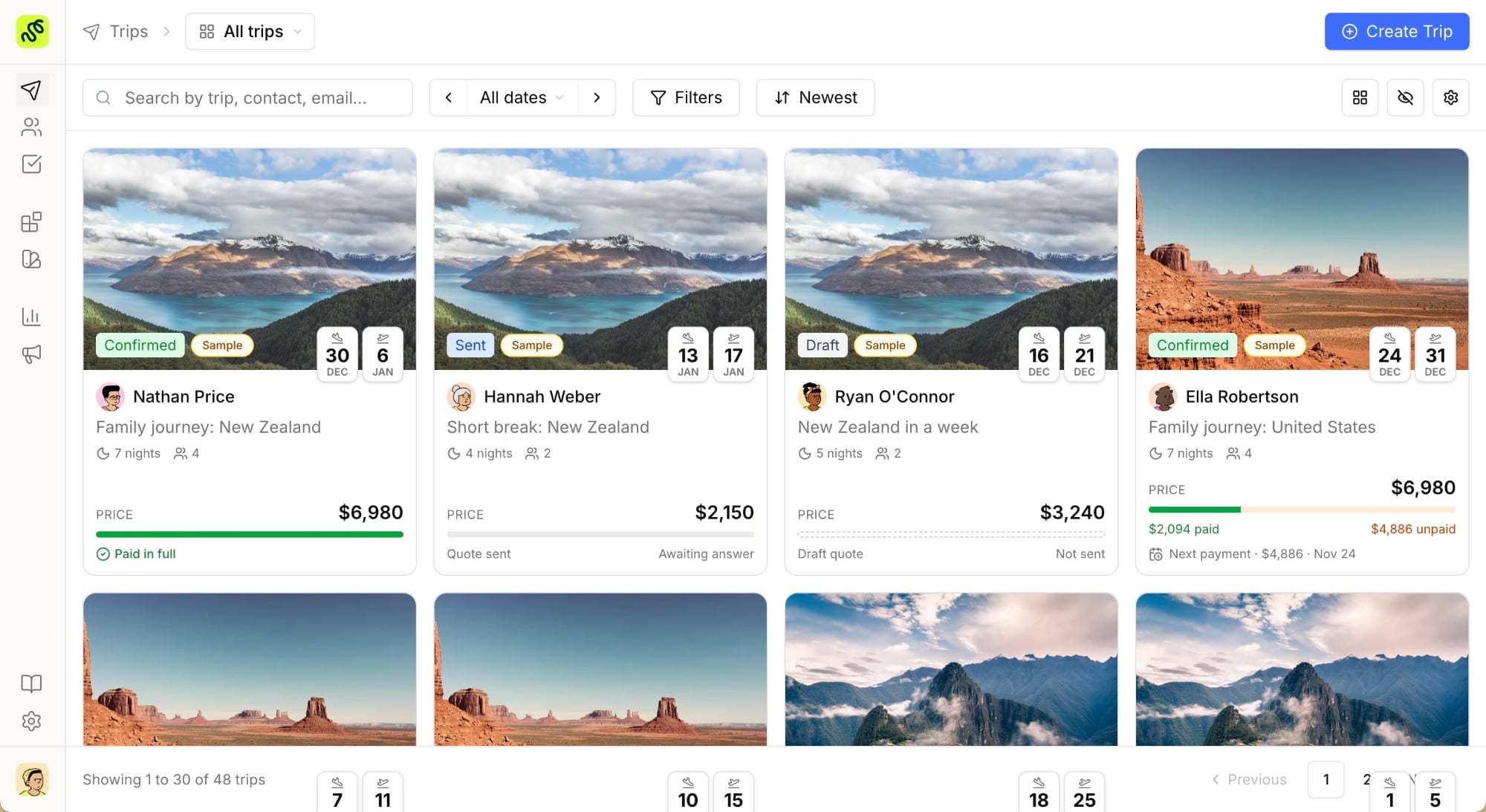
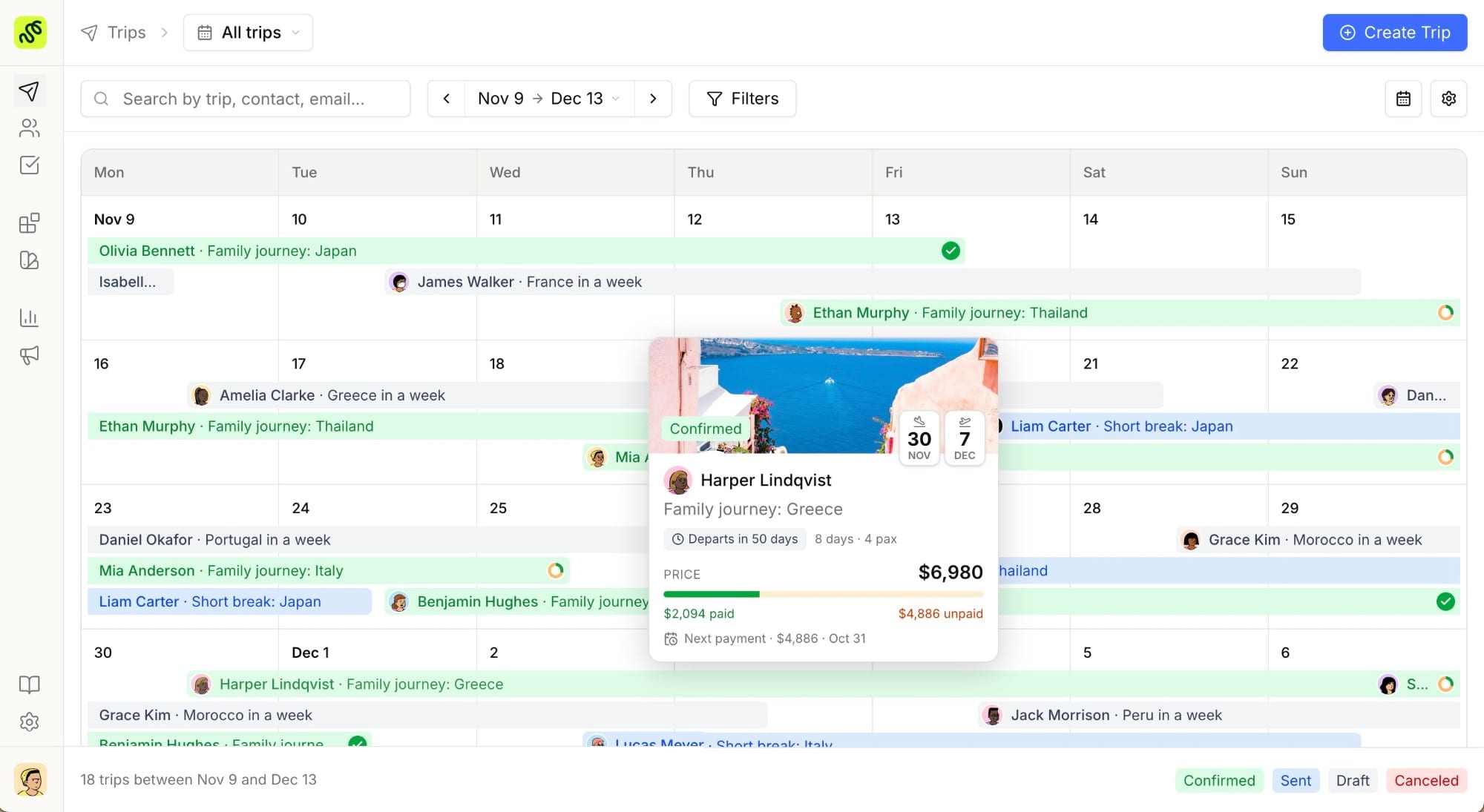
If you’re searching for an Axus Travel App alternative, you’re probably an independent travel advisor or a small luxury agency who likes what Axus does for branded itineraries but wants the CRM and lead-tracking side handled in the same place, without paying for (or configuring), a GDS-heavy back office you don’t use. Axus built its reputation on beautiful, mobile-friendly itineraries for demanding clients. TravelBuilderPro takes a different starting point: one platform for building the itinerary, managing the client relationship, and seeing which proposals actually convert.
This isn’t a takedown of Axus. Plenty of advisors are happy with it. It’s a breakdown of what each tool is actually built for, so you can pick based on your workflow instead of a sales page.
Why advisors look for an Axus Travel App alternative
Axus is well regarded among luxury and Virtuoso-affiliated advisors for its polished itinerary delivery, collaborator network, and deep ties to legacy back-office systems. That depth is also what pushes some advisors to look elsewhere. Independent advisors and small agencies who don’t run a full GDS-based back office often find:
- Setup assumes an existing stack (GDS credentials,
ClientBasesync) they don’t have. - The pricing model is built around agencies with GDS volume, not solo advisors or small teams.
- Lead tracking and follow-up still happen in a separate CRM or spreadsheet, because itinerary delivery and pipeline management aren’t the same system.
If your business runs more on net-rate contracts, curated suppliers, and direct client relationships than GDS bookings, a lighter, CRM-first tool can be a better fit.
What Axus Travel App does well
To be fair to Axus: it earned its place in the luxury advisor world. Advisors consistently point to a few strengths:
- Branded, mobile itineraries: logo, colors, and contact details on every itinerary, delivered as a web link, PDF, or push to the Axus mobile app.
- Live GDS import and
ClientBasesync: pulls existing bookings and confirmations instead of manual re-entry, which matters for advisors already deep in a GDS-based workflow. - Collaborator network: inviting a DMC or a fellow advisor onto an itinerary so multiple specialists can build the same trip together.
- Confirmation parsing: turning supplier and hotel confirmation emails into structured itinerary entries automatically.
If GDS and ClientBase are already central to how you work, that integration depth is genuinely hard to replace.
Who should still choose Axus Travel App
It’s worth saying plainly: Axus is the right tool for some advisors, and switching away from it isn’t automatically the right call. If most of your bookings run through a GDS, if ClientBase is already your system of record, and if you regularly hand off legs of a trip to onsite DMCs through a shared network, Axus was built for exactly that workflow. Replacing it would mean giving up integration depth that took years to build and that a lighter, standalone tool won’t replicate.
Where the calculation changes is for advisors who don’t have that back-office stack in the first place. A newer independent advisor, a boutique agency working direct with suppliers on net rates, or a small team that never adopted a GDS in the first place doesn’t gain anything from GDS import: it’s simply not part of their workflow. For that advisor, evaluating Axus mostly means evaluating an itinerary-delivery layer they’d still need to pair with a separate CRM, rather than a single system that already covers both.
Axus Travel App vs TravelBuilderPro at a glance
| Axus Travel App | TravelBuilderPro | |
|---|---|---|
| Best for | Advisors running a GDS-integrated, back-office-heavy workflow | Independent advisors and small agencies who want itinerary + CRM + analytics in one tool |
| Itinerary builder | Branded, mobile-first delivery with confirmation parsing | Client-facing itinerary builder with day-by-day structure and live editing |
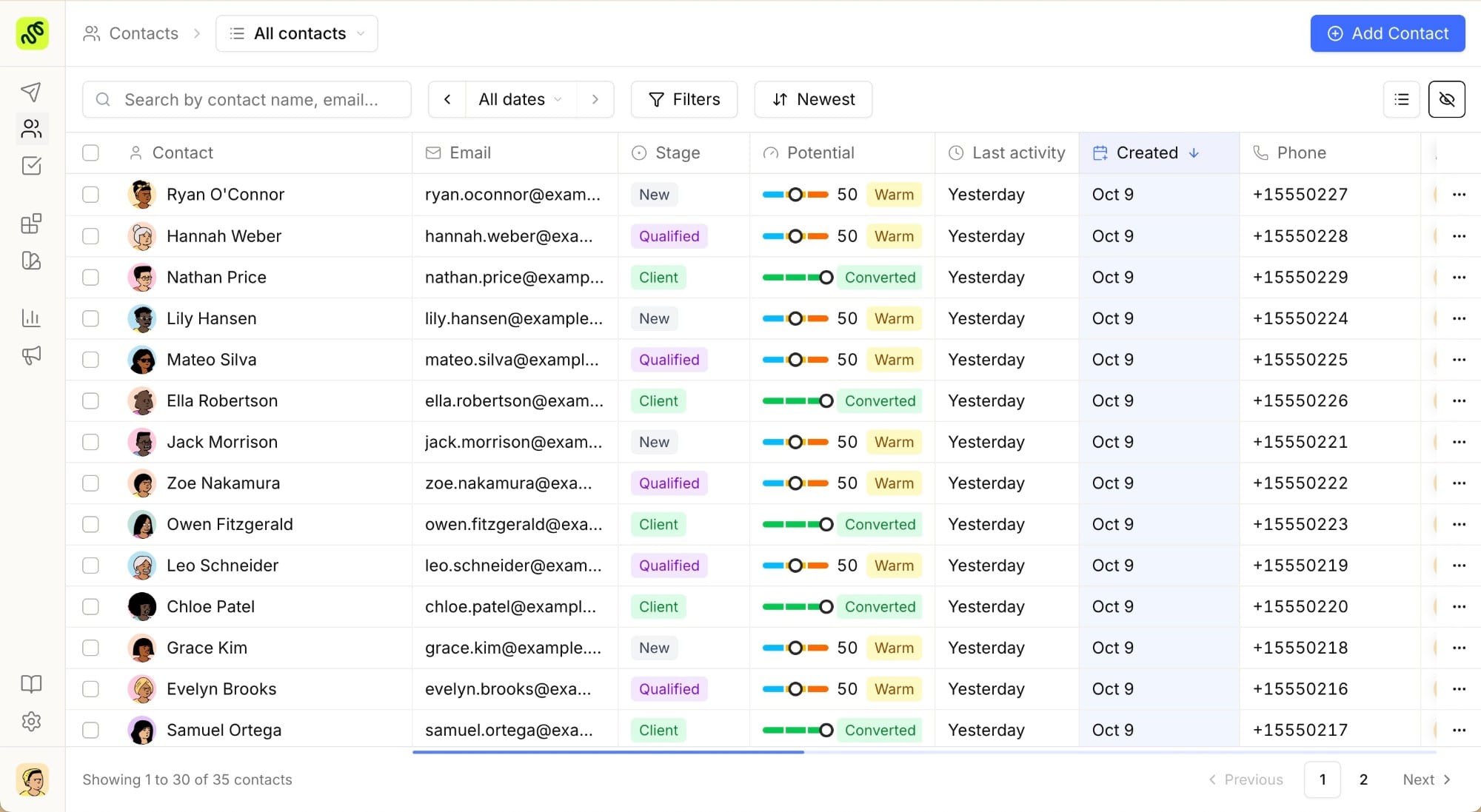
| CRM / lead tracking | Not a core feature: pairs with an external CRM | Built-in CRM for inquiries, follow-ups, and pipeline stages |
| Reporting | Limited; oriented around itinerary delivery | Built-in analytics on proposal views and conversion |
| GDS dependency | Assumes GDS import as a core workflow | No GDS required: works from manual entry or import |
| Onboarding | Dedicated customer experience manager, GDS-oriented setup | Self-serve signup, no back-office setup required |
| Pricing model | Premium, contact-based pricing | Transparent pricing from €22/user/month, 7-day full-feature trial |
Where TravelBuilderPro fits differently
The core difference isn’t itinerary polish, both tools can produce a clean, client-ready trip. It’s what happens around the itinerary. Axus is built assuming the CRM and back-office layer already exists elsewhere (typically ClientBase plus a GDS). TravelBuilderPro assumes the opposite: that a solo advisor or small team wants the itinerary, the client record, and the conversion data in one login, without standing up a separate back office first.
That shows up in a few concrete ways for a travel designer working independently:
- A new inquiry becomes a CRM record and an itinerary draft in the same flow, instead of living in an inbox until you’re ready to build.
- You can see which sent proposals were opened, and where a client stalled, without exporting anything.
- There’s nothing to reconcile between a GDS feed and a separate itinerary tool: if you don’t book through a GDS, you’re not maintaining an integration you don’t need.
If your agency does run heavy GDS volume and already relies on ClientBase, that trade-off runs the other way, and Axus’s integration depth is the more relevant strength.
Collaboration and delivery: DMCs, teams, and clients
Axus’s collaborator network is genuinely useful for advisors who route parts of a trip to a DMC or specialist partner. Multiple people can work the same itinerary without emailing files back and forth. TravelBuilderPro takes a narrower but simpler approach for small teams: itineraries and client records are shared inside the account, so a second advisor picking up a lead sees the same history and the same draft, without a separate invite step per trip.
On delivery, both tools skip the PDF-and-email routine in favor of a live link or app view the client can return to. The difference is what’s attached to that link on your side: Axus attaches it to the itinerary; TravelBuilderPro attaches it to the client’s full record, so a viewed proposal shows up as pipeline activity, not just a delivery receipt.
For a solo advisor working without a partner network, that distinction matters less day to day. The priority is usually knowing whether a client has even opened the trip you sent, not coordinating a DMC handoff. It becomes more relevant the moment a second person joins the business, since that’s when “who has the latest version of this itinerary” turns from a non-issue into a real workflow question.
Pricing and getting started
Axus doesn’t publish pricing publicly: advisors typically go through a sales conversation, and the plan is priced around GDS-connected agencies rather than solo advisors. TravelBuilderPro publishes its pricing directly (see the pricing page), with a 7-day full-feature trial on signup, no sales call and no GDS setup required to start building your first itinerary.
Ready to see it without the GDS setup?
Try every feature free for 7 days → Start free
Common questions
01Is TravelBuilderPro a direct replacement for Axus Travel App?
Not feature-for-feature. If your workflow depends on live GDS import and ClientBase sync, Axus covers ground TravelBuilderPro doesn’t try to replicate. TravelBuilderPro is a better fit if you want itinerary building, CRM, and analytics in one tool without that GDS dependency.
02Does TravelBuilderPro support collaborating with a DMC on an itinerary?
You can share itinerary drafts and client records with your own team. TravelBuilderPro doesn’t currently offer an external collaborator network for inviting outside DMCs the way Axus does.
03Can I import existing bookings from a GDS into TravelBuilderPro?
TravelBuilderPro doesn’t require a GDS integration to build itineraries. Trips can be entered directly or imported manually. If your workflow is GDS-first, that’s a meaningful difference to weigh.
04Does TravelBuilderPro track whether a client opened their itinerary?
Yes: proposal views and engagement show up in analytics, tied to the client’s record, so you can see where a proposal stalled instead of just whether it was sent.
05Can I test it before switching?
Yes: TravelBuilderPro offers a 7-day full-feature trial on signup, so you can build a real itinerary and test the CRM before deciding.
Summarize this article with AI
Opens your assistant with the question already written.