Travel agency software cost ranges from $0 on a free plan to well over $75,000 for a fully custom build, but most independent agencies and small tour operators land somewhere between roughly $25 and $150 per user per month. What you actually pay depends far less on the brand name and far more on the pricing model sitting underneath the sticker price: per seat, per booking, quote-based, or freemium. This guide breaks down each model, what it really costs at your booking volume, and the fees that quietly inflate the total.
If you only remember one thing: the cheapest headline price is rarely the cheapest annual bill. A tool that looks free can cost more than a flat subscription once transaction fees stack up, and a “contact sales” quote can hide implementation charges that dwarf a year of subscription. So compare the model, not the marketing.
What drives travel agency software cost
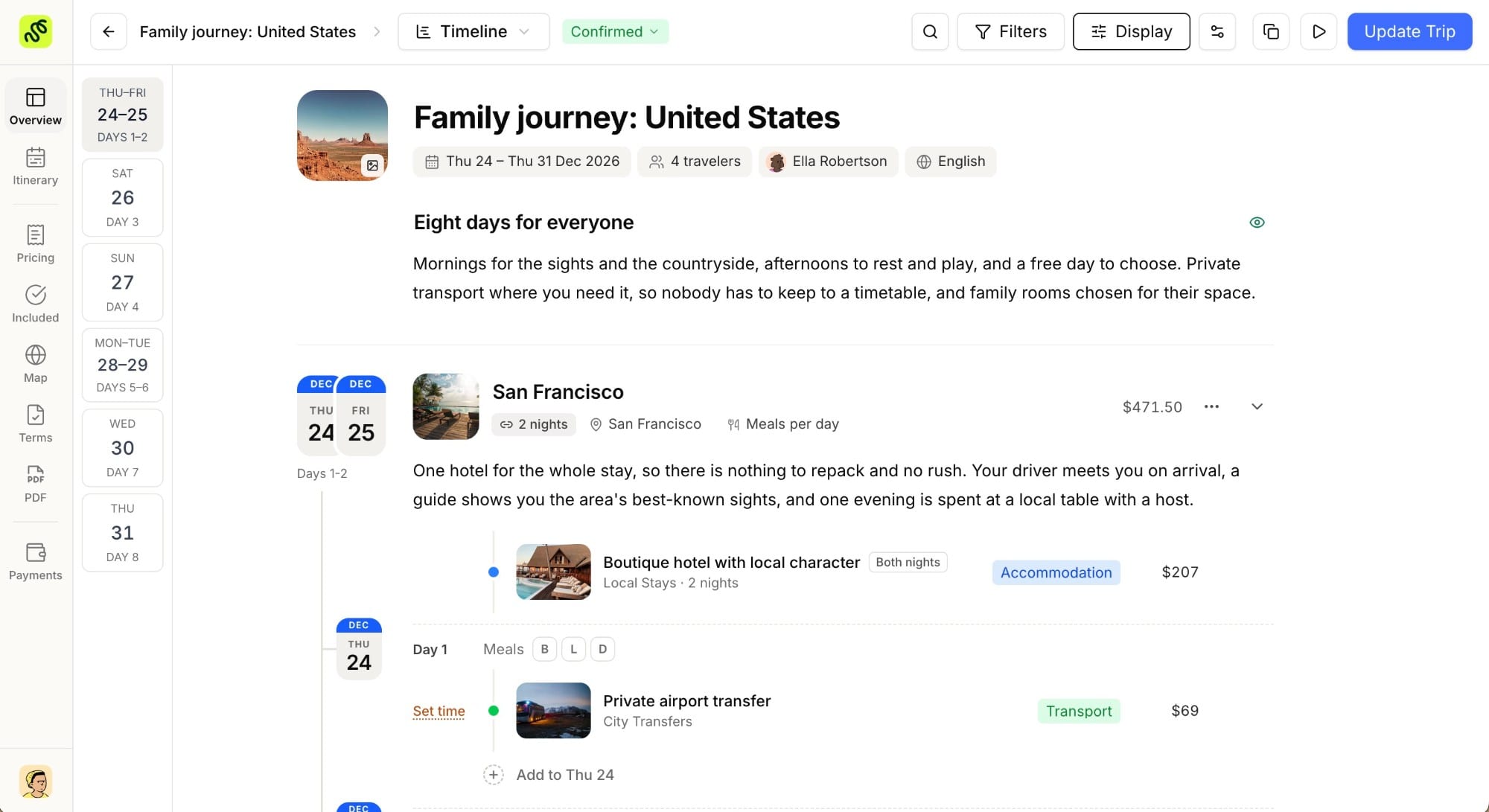
Before comparing vendors, separate what you are paying for. A modern platform usually bundles several tools that agencies used to buy (or cobble together), separately:
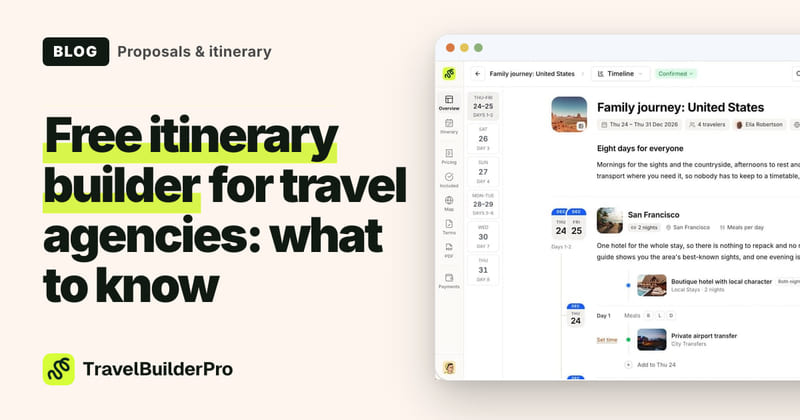
- Itinerary building and proposals: the day-by-day builder and branded output you send to clients (see our itinerary builder page for what that layer does).
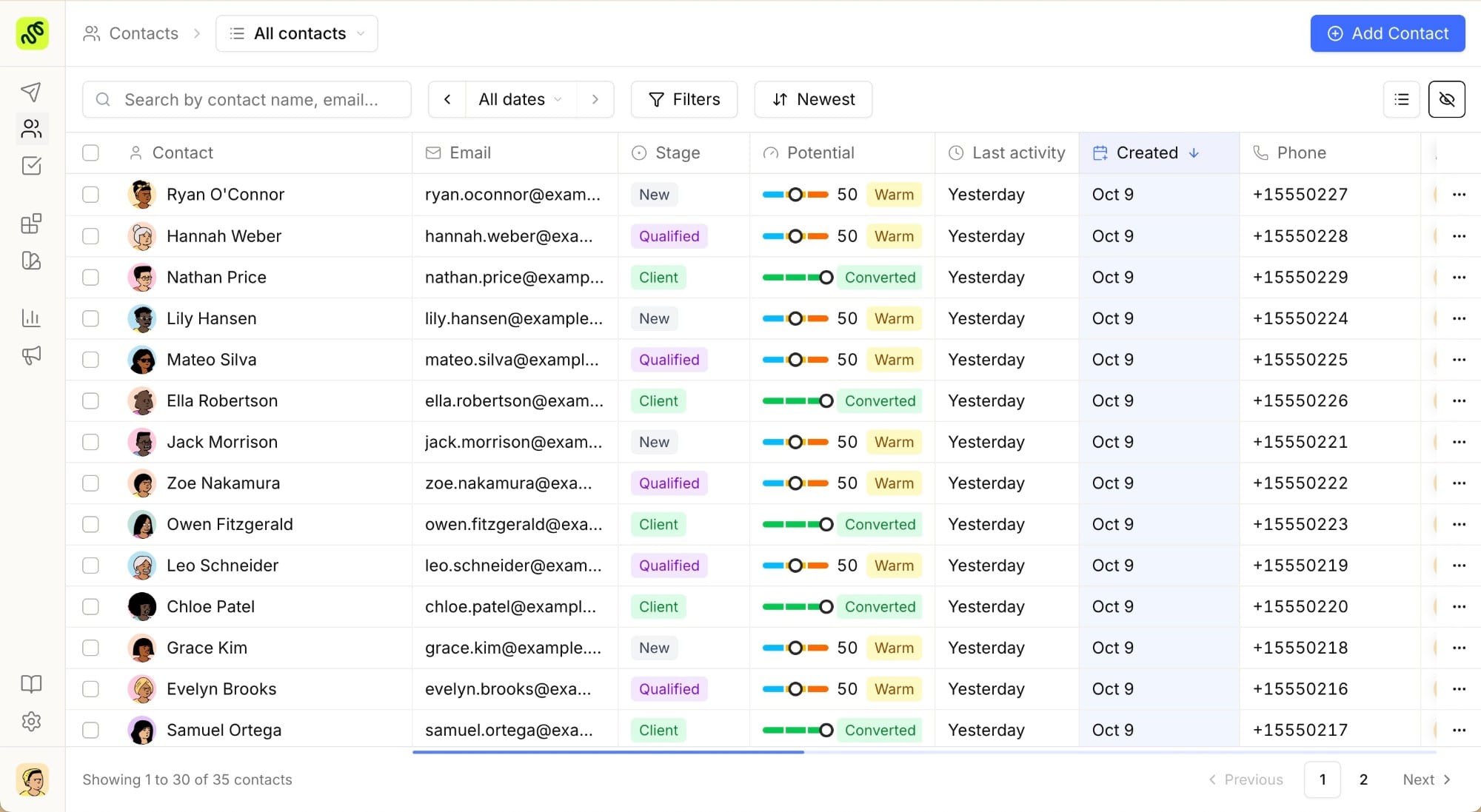
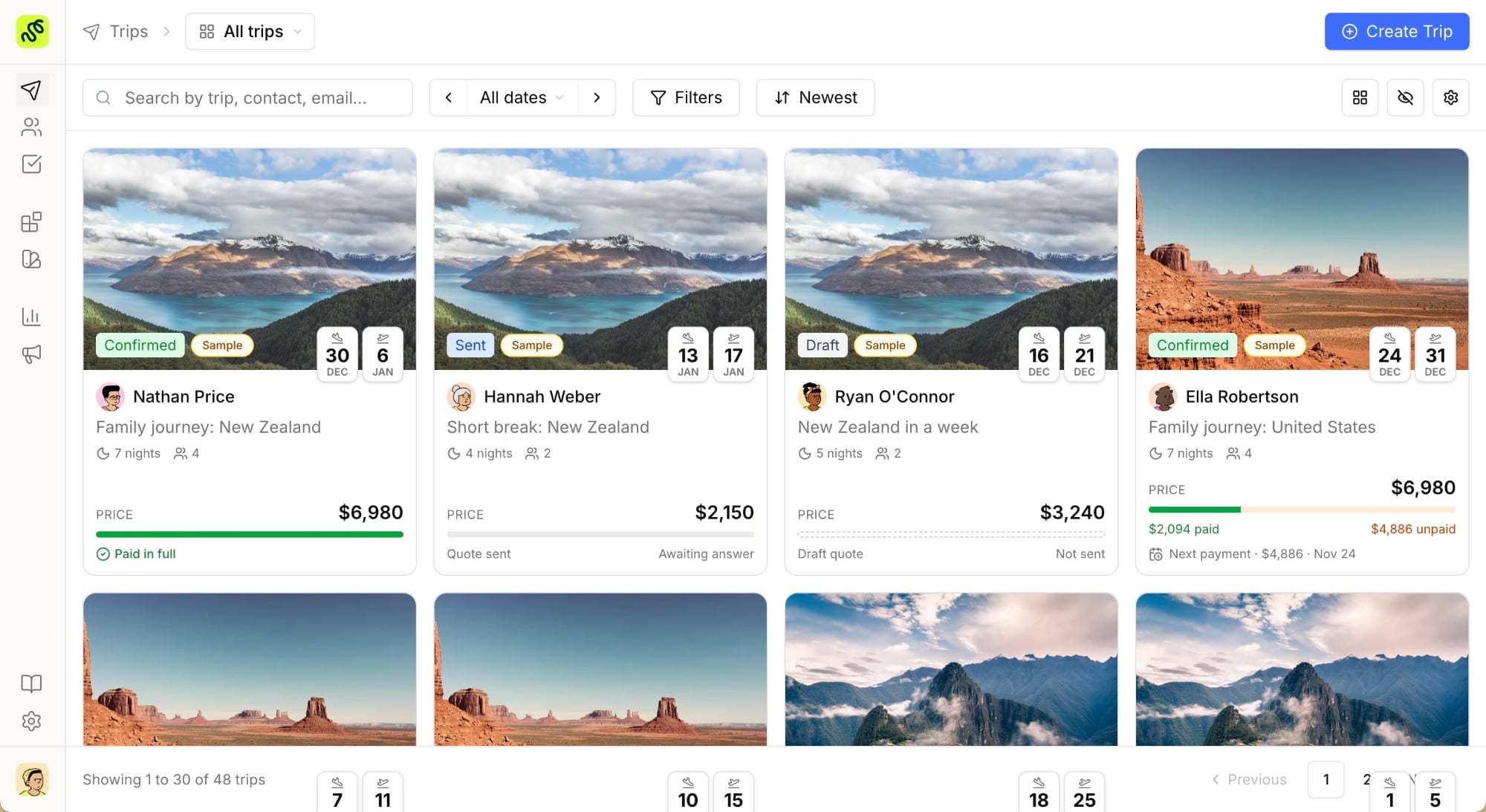
- A client database and pipeline: a travel CRM for contacts, leads, tasks, and follow-ups, rather than a spreadsheet and an inbox.
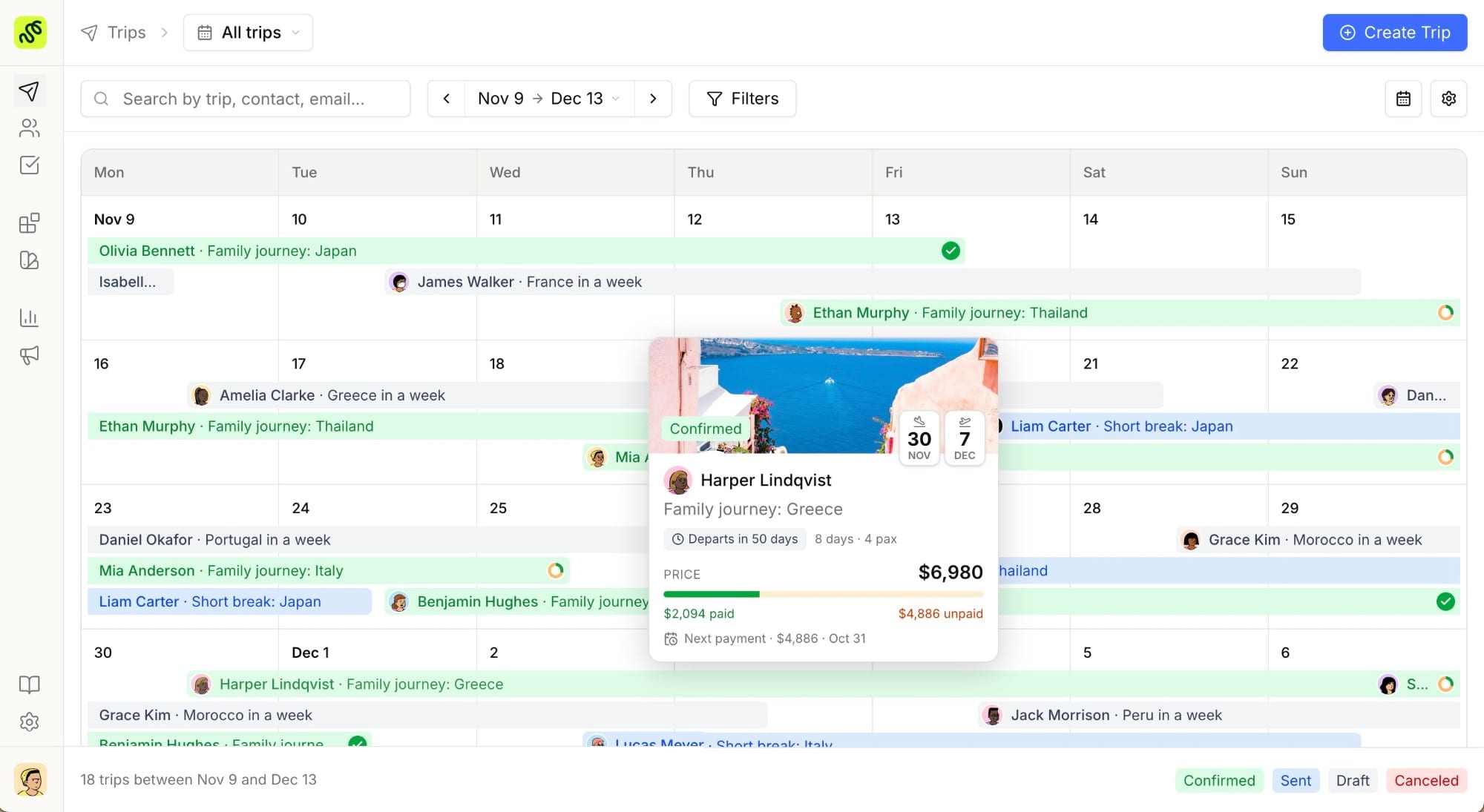
- Booking and revenue analytics: conversion and margin reporting on an analytics dashboard.
- Supplier, rate, and availability management: the operational backbone for multi-supplier trips.
When a platform folds all of these into one subscription, the per-seat price looks higher than a single-purpose booking widget, but you are replacing three or four line items, not one. Read any travel agency software price with that scope in mind, because a $30 itinerary-only tool and a $30 all-in-one platform are not the same purchase.
The four pricing models, compared
Almost every quote you receive is a variation on one of four models. This is the fastest way to compare travel agency software cost across very different vendors:
| Pricing model | Typical range (2026) | Best fit | Watch out for |
|---|---|---|---|
| Per seat (subscription) | ~$25–$150 per user / month | Agencies with a stable team who want a fixed, predictable bill | Cost climbs with headcount; check what each seat unlocks |
| Per booking / per passenger | Free–$249 / month base + ~1.5%–6% per online booking | Charter and tour operators with seasonal or variable volume | Fees scale with success: great at low volume, painful at high |
| Quote-based (enterprise) | Undisclosed; often four to five figures / year + setup fees | Large operators with deep back-office and accounting needs | Opaque pricing, long contracts, and implementation charges |
| Free / freemium | $0 base, paid upgrades | Solo advisors and new agencies validating a workflow | ”Free” that is really a time-limited demo, or crippled limits |
No model is universally cheaper. The right one depends on your team size and how many trips you book. The sections below show where each one wins and where it bites.
Per-seat subscription: predictable, scales with your team
Per-seat (per-user) pricing is the most common model for agency-facing platforms, and commonly reported SaaS ranges sit around $40–$150 per user per month, with entry tiers dipping lower. You pay a fixed amount per person per month, so the bill is easy to forecast and does not spike in your busy season.
The trade-off is obvious: cost rises directly with headcount. A five-person agency at $60 a seat is $300 a month; the same tool is $1,800 a month for a team of thirty. Two things are worth checking before you sign:
- What a “seat” includes. Some vendors gate analytics, white-label branding, or extra languages behind higher tiers, so the real price for the features you need may be a step up from the advertised entry number.
- Annual vs monthly. Yearly billing is typically 15–25% cheaper. For reference, TravelBuilderPro’s published pricing starts at €22 per user per month on yearly billing, with higher tiers unlocking white-label and additional languages: a concrete example of how the entry seat and the “everything on” seat can differ.
Per-seat is the safest model when your team and workload are stable and you want a fixed budget line.
Per-booking pricing: cheap to start, expensive at scale
Per-booking (or per-passenger) pricing flips the math. The base subscription is low or even zero, and the vendor earns a percentage or flat fee on every online transaction. Hosted booking platforms commonly land around $49–$249 per month plus roughly 1.5%–6% per booking, and some charge no subscription at all in exchange for a per-transaction fee.
This model is genuinely cheap while you are small or seasonal. You only pay when you sell. But run the arithmetic before you commit: multiply your average monthly online bookings by the per-booking fee and compare it to a flat subscription. For most operators doing 50+ bookings a month, a subscription usually comes out ahead, because the percentage keeps growing with your success while a flat fee does not.
Per-booking suits charter operators and activity sellers with variable volume. It works against you the moment your business becomes predictable and high-volume: exactly when you would rather cap the cost.
Quote-based enterprise pricing: powerful, but opaque
At the top of the market, many established platforms simply do not publish prices. Tools aimed at large tour operators and DMCs are typically quote-based, with implementation fees that are common in that segment: legacy names in this tier keep pricing behind a “contact sales” wall and layer on setup and training charges. Our editorial Tourwriter comparison is one example of a feature-dense platform that quotes rather than lists.
You are paying for depth: deep supplier-side accounting hooks, decades of institutional features, and dedicated onboarding. For a multi-country operator with those needs, it can be money well spent. For most independent designers and small-to-mid agencies, three things make this tier hard to justify:
- No transparency: you cannot budget from the website; you have to sit through a sales cycle.
- Implementation fees: the first year often includes a setup charge that can rival or exceed the subscription.
- Contract length: annual or multi-year lock-ins are the norm, so a bad fit is expensive to leave.
If a vendor will not tell you the price without a call, treat the eventual quote as subscription + setup + training, not just the monthly number.
Free and freemium: real value or a demo trap?
“Free” means two very different things. Some products offer a genuine free-forever plan with real, if limited, functionality. Others use “free” to mean a time-limited trial that expires: a demo, not a plan.
The distinction matters for your budget because a real free tier lets you validate a workflow at zero cost before you spend anything, while a trial-only tool forces a paid decision on a deadline. For clarity, TravelBuilderPro sits in the second camp: 7 days free with every feature of the plan you pick unlocked, then €22/user/month billed yearly. A card is added upfront and nothing is charged until the trial ends, so the deadline is real, but what you test before it is the whole product rather than a limited tier. When you evaluate any freemium tool, confirm which of the two you are actually getting, and whether the free tier’s limits (number of trips, contacts, or exports) fit real work or just a sales demo.
Hidden costs that inflate the real total
The subscription line is rarely the whole bill. Budget for these before you compare quotes:
- Onboarding and setup fees: one-time charges to migrate data and configure the platform, most common in the enterprise tier.
- Per-integration or API fees: connecting payments, accounting, or a booking engine can carry its own cost.
- Add-on modules: CRM, analytics, or extra languages sometimes sit outside the base plan.
- Payment processing: card fees (typically ~1.5–3%) apply whether they come from the software or a separate processor.
- Training and support tiers: priority support or a dedicated manager may be a paid upgrade.
- The cost of leaving: check export options up front, so your data is not held hostage at renewal.
An honest way to compare two tools is to build a simple three-year total: subscription + setup + likely add-ons + transaction fees at your real volume. The winner on that number is often not the winner on the headline price.
How to budget for your agency
Match the model to your shape, not to the lowest sticker:
- Solo advisor or brand-new agency → start on a genuine free plan, then move to an entry per-seat tier as volume justifies it. Avoid per-booking percentages that grow faster than you do.
- Small-to-mid agency with a stable team → per-seat subscription on annual billing is usually the most predictable and, at 50+ bookings a month, the cheapest.
- Seasonal or charter operator with spiky volume → per-booking can win while volume is low; re-run the math each year, because the crossover point arrives quickly.
- Large multi-country operator with deep accounting needs → a quote-based enterprise platform may be worth the opacity, but negotiate setup fees and contract length explicitly.
For most independent designers and small agencies moving off spreadsheets and disconnected tools, an all-in-one platform on transparent per-seat pricing (pairing the itinerary builder with a built-in CRM), replaces several subscriptions at once, which is what makes the per-seat number worth it.
Try every feature free for 7 days
The cleanest way to learn what a platform actually costs you is to run real trips through it. Try every feature free for 7 days: the trial unlocks the itinerary builder, CRM and analytics in full, and nothing is charged until it ends.
Common questions
01How much does travel agency software cost per month?
For agency-facing platforms, expect roughly $25–$150 per user per month on a subscription model, with entry tiers lower and enterprise tiers quote-based. Per-booking tools may charge little or nothing monthly but add a fee, often 1.5%–6%: on each online booking.
02Is there free travel agency software?
Yes, but read the fine print. Some tools offer a real free-forever plan with limited functionality; others use “free” to describe a time-limited trial. A genuine free tier lets you test a workflow at zero cost, while a trial forces a paid decision when it expires.
03Why won’t some vendors publish their prices?
Platforms aimed at large operators and DMCs are usually quote-based because deals include variable implementation, migration, and training work. Treat any such quote as subscription plus setup plus support, and ask for each number separately.
04Is per-seat or per-booking pricing cheaper?
It depends on volume. Per-booking is cheaper while you are small or seasonal because you pay only when you sell. Once you pass roughly 50 bookings a month, a flat per-seat subscription usually costs less, because the percentage keeps rising with your revenue.
05What hidden costs should I budget for?
Setup and onboarding fees, per-integration or API charges, add-on modules, payment processing, paid support tiers, and data-export limits at renewal. Build a three-year total that includes these, not just the monthly subscription, before you compare tools.
Summarize this article with AI
Opens your assistant with the question already written.