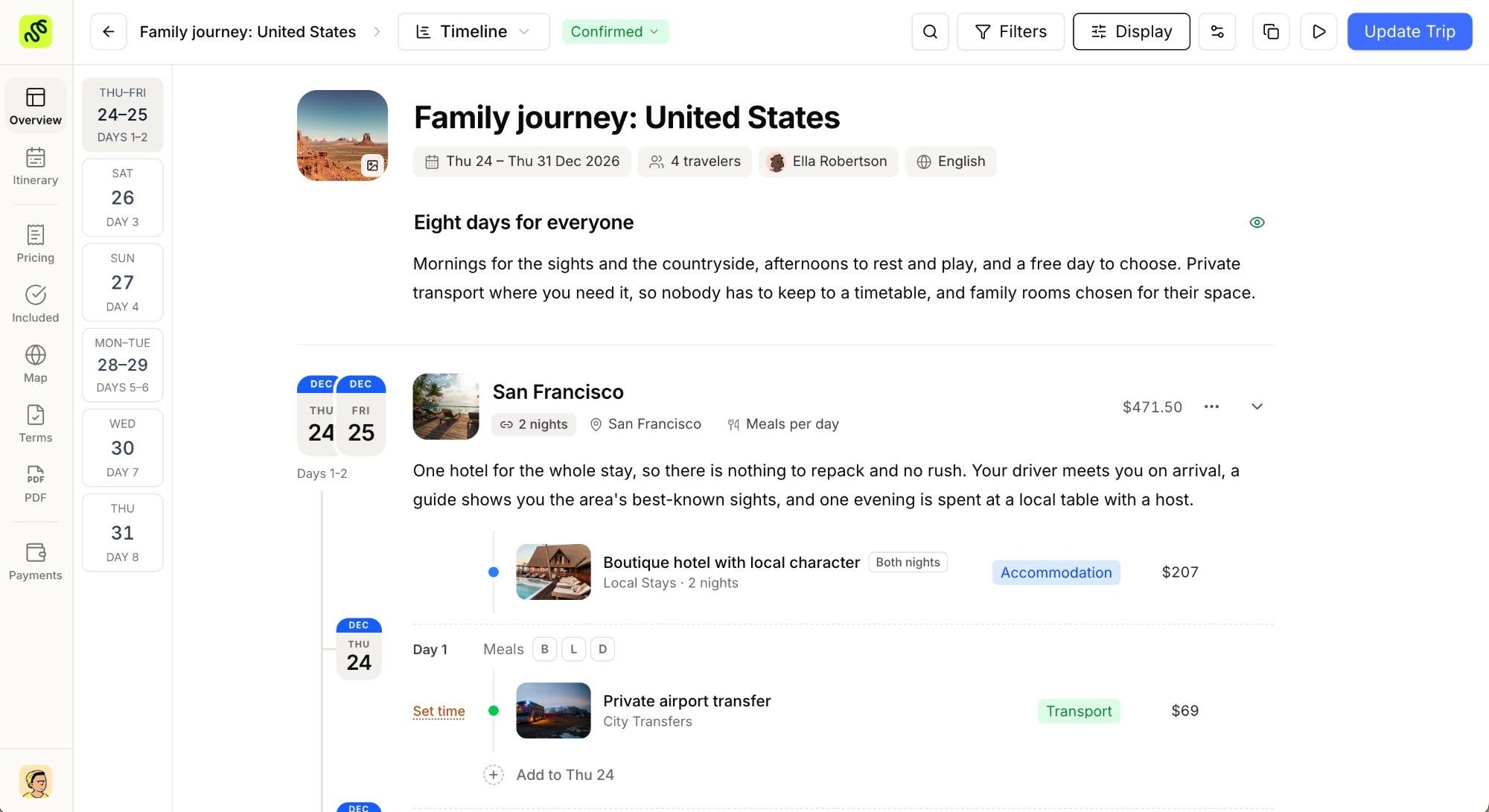
Building a proposal should feel uninterrupted. Until now, every save in the trip editor paused your work: the itinerary swapped for a loading spinner and every control went quiet until the save finished. That pause is gone. The editor saves in the background while you keep building.
Save Without the Wait ⚡
Keep editing, always
- Saving (or pressing Cmd+S) no longer freezes the page. Your itinerary stays on screen and every field stays editable.
- A quiet “Saving trip” message appears and turns into “Trip updated” once it is done, so you always know where things stand without losing your place.
Nothing gets dropped
- Save again while one save is still running and your new save is queued, not ignored. The editor waits its turn and applies everything, in order.
- Saving a single block works the same way: it runs quietly and keeps the rest of the editor live.
Focused Price Editing 🎯
When you adjust a price or an add-on inside a block, the editor clears the clutter and shows only what you are working on: the price, its details, and a clear Done or Cancel. Finish the edit and the full block comes right back, exactly where you left off.
Changes also land faster: saving a trip now takes fewer round trips behind the scenes, so your updates are captured more quickly.
Why This Matters
Your time with a client is precious, and a frozen screen in the middle of building a proposal breaks both your rhythm and your focus. Now you can shape an itinerary from start to finish without a single interruption, confident that every change is captured and nothing you do is ever lost. It is a small shift that makes the whole editor feel faster, calmer, and more dependable.