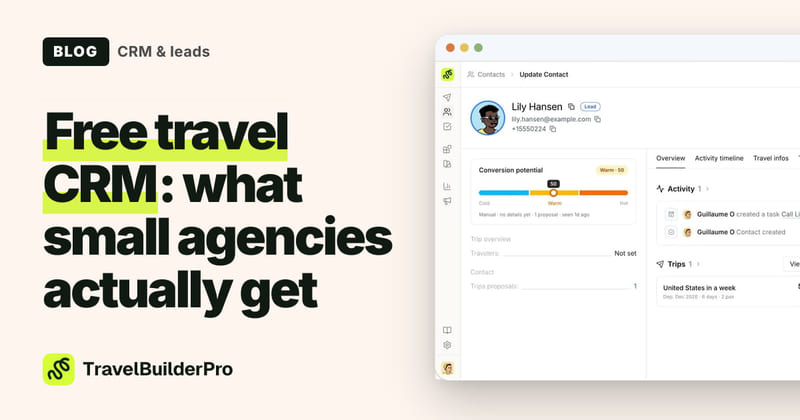
The best travel CRM for a small agency is one that connects your leads, proposals, and client records, without requiring a second tool to do any of it.
Most small agencies start with a shared inbox and a spreadsheet. That works until it doesn’t: a follow-up slips, a proposal goes cold, and two advisors are chasing the same lead without realizing it. At that point, the question shifts from “do we need a CRM?” to “which one actually fits how a travel agency works?”
This guide covers what to look for in a travel-specific CRM, how the main options stack up, and when a purpose-built travel CRM pulls ahead of a general one for agencies your size.
Why generic CRMs fall short for travel agencies
CRMs like HubSpot, Pipedrive, and Zoho are engineered for B2B software sales: a rep dials a prospect, logs a note, and moves a deal through a linear funnel from first contact to signature. Travel agency sales look nothing like that.
A single lead often generates two or three proposal revisions over four to eight weeks, with destination changes, group-size adjustments, and custom day-by-day itinerary builds along the way. The product being sold is a hand-crafted experience, not a fixed SKU with a price list. And clients come back. The same person may book a honeymoon, a family reunion trip, and a solo adventure over a decade, each with completely different parameters.
When you use a general CRM, you end up maintaining two systems: one for contacts and deal stages, and a separate itinerary builder for proposals. Syncing them is manual. The connection between “who closed” and “what they proposed at what price” is invisible to your reporting. Every time you want the full picture, you cross-reference two tools that were never designed to speak to each other.
What to look for in a travel CRM
Before comparing tools, clarify which capabilities your agency actually needs:
Lead capture directly into the pipeline. Web inquiry forms that drop new leads into a named pipeline stage, not into an email inbox someone has to process manually. Every inquiry that sits in email for more than a few hours risks going cold.
Proposal visibility on the deal record. The CRM record for each deal should show which itinerary was sent, at what price, and when. Without that link, your pipeline tells you how many open deals you have, but not whether any of them are realistically close to converting.
Follow-up automation. A reminder when a proposal hasn’t been answered in five days. A task assigned when a client replies. A nudge when a high-value lead has gone quiet for two weeks. Manual follow-up discipline works at five active leads; it reliably breaks down at twenty.
Conversion and revenue analytics. Which inquiry source closes fastest? Which destination type has the longest gap between proposal and booking? This data only appears cleanly when your CRM and your booking records live in the same tool, because they need to be joined to make sense.
Travel CRM comparison for small agencies
| CRM | Built for travel agencies? | Entry price | Proposal / itinerary integration | Lead pipeline |
|---|---|---|---|---|
| TravelBuilderPro | Yes | €22/user/month, 7-day trial | Fullbuilt-in | Yes |
| HubSpot CRM | No | Yeslimited | NoneZapier required | Yes |
| Pipedrive | No | No | Via Zapier only | Yes |
| Zoho CRM | No | Yeslimited | None | Yes |
| Rezdy | Partialactivity operators | No | Booking-focused, not proposal-focused | Limited |
| Spreadsheet + inbox | No | Free | None | Manual only |
The pattern is consistent: every general-purpose option requires a workaround to connect leads to proposals. That workaround is manual data entry, data gaps, and reporting that never fully adds up.
How TravelBuilderPro’s CRM works differently
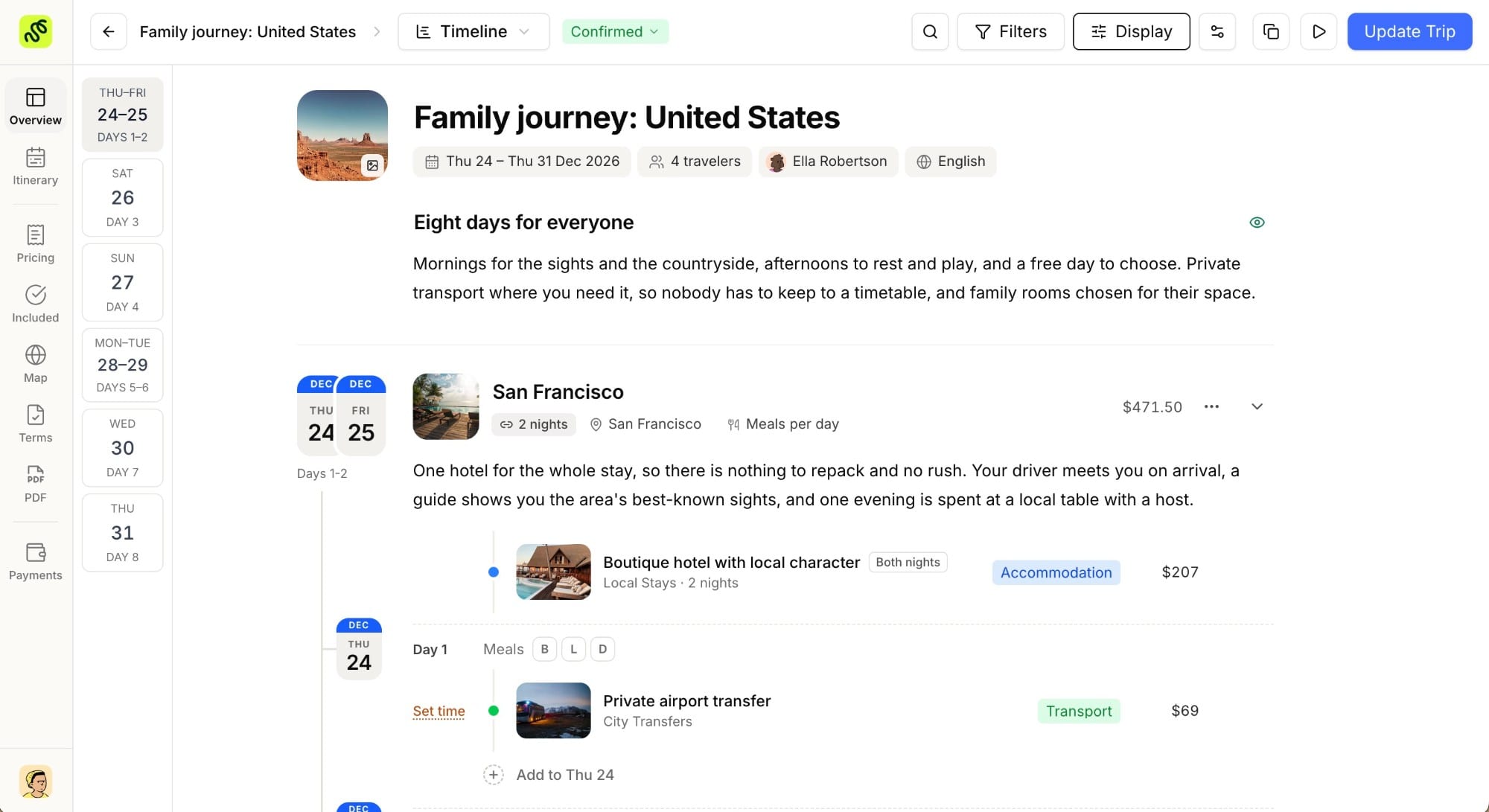
TravelBuilderPro’s CRM is built around the travel agency workflow, not adapted from a sales team template. The practical difference appears in three specific ways:
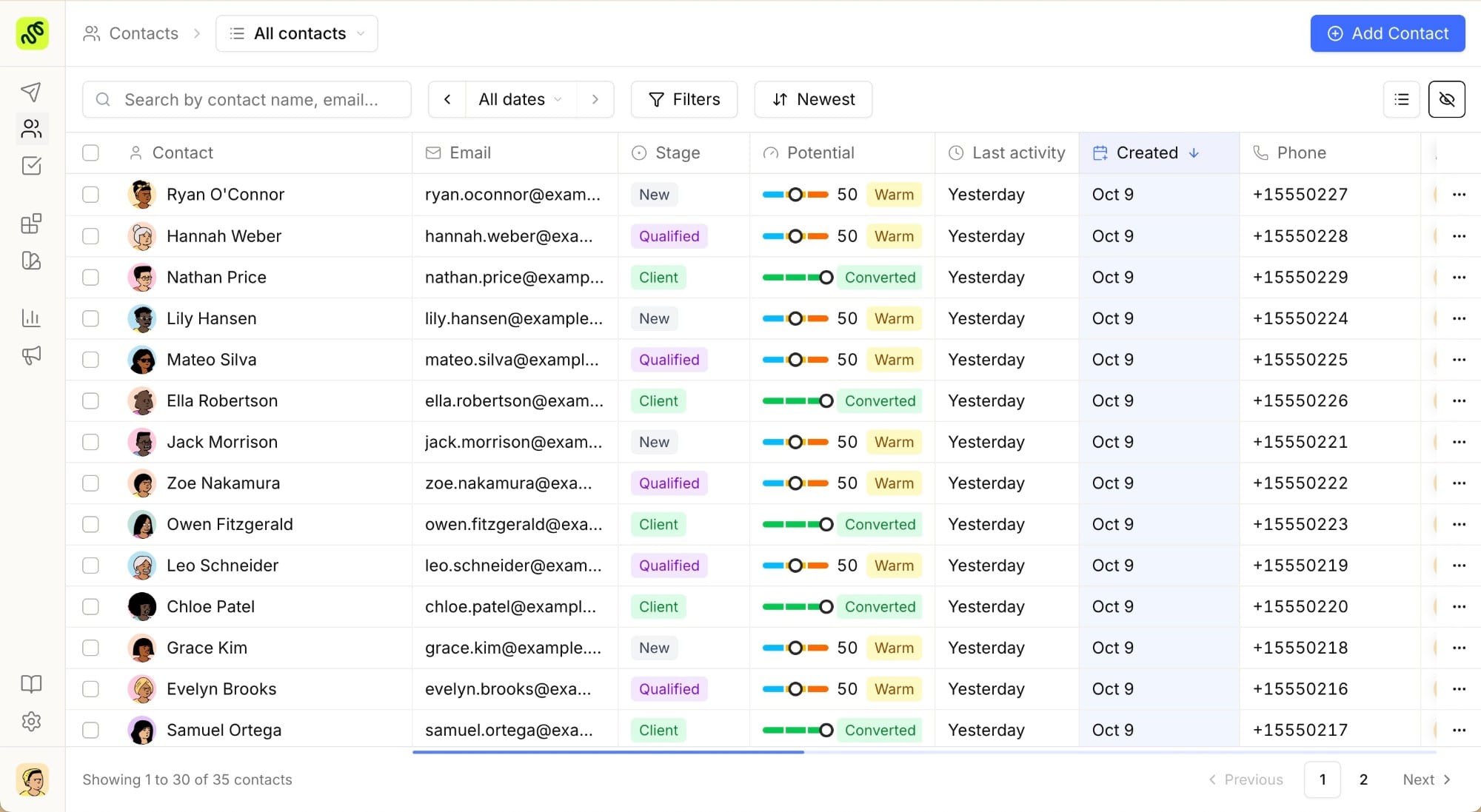
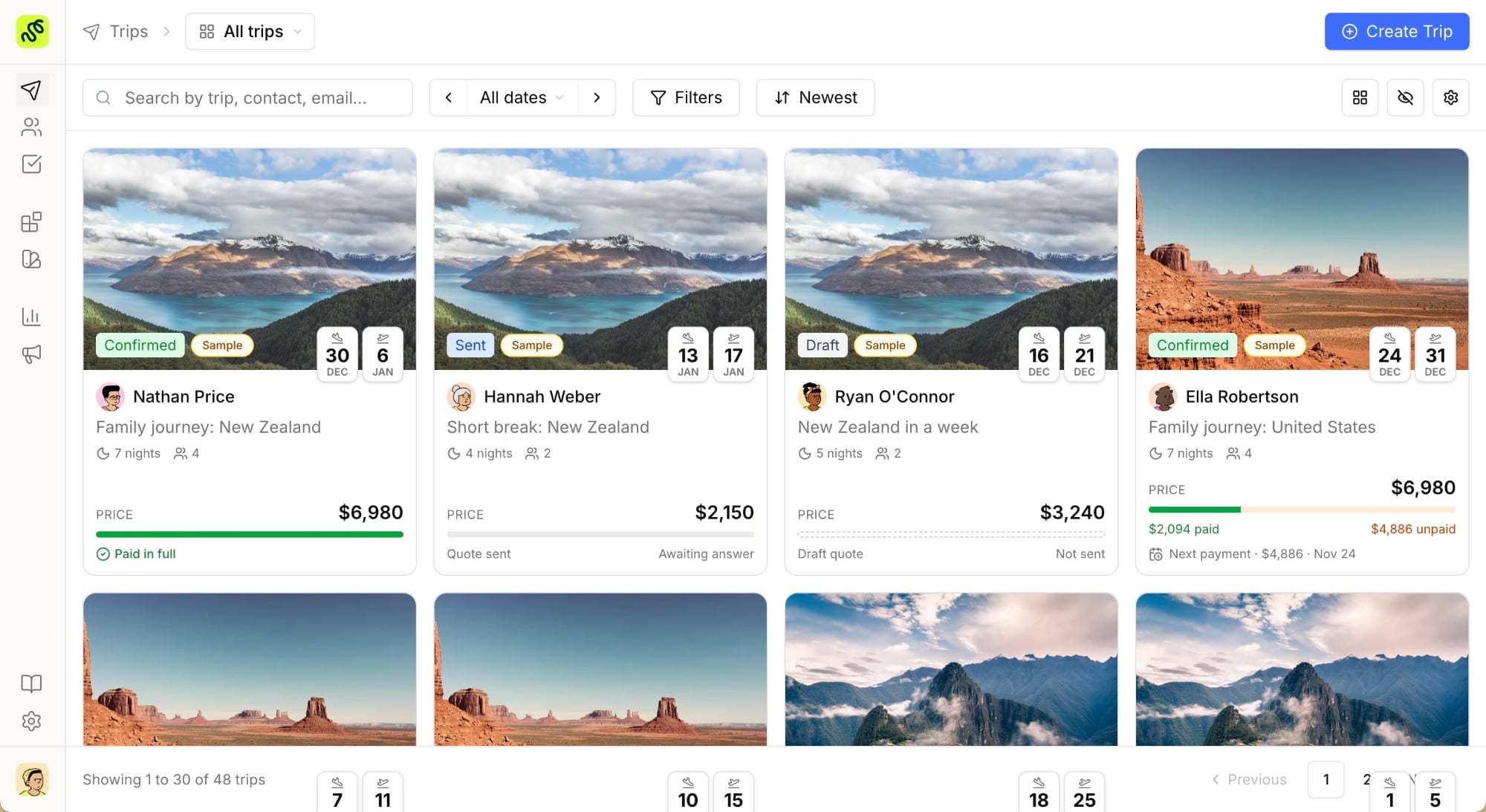
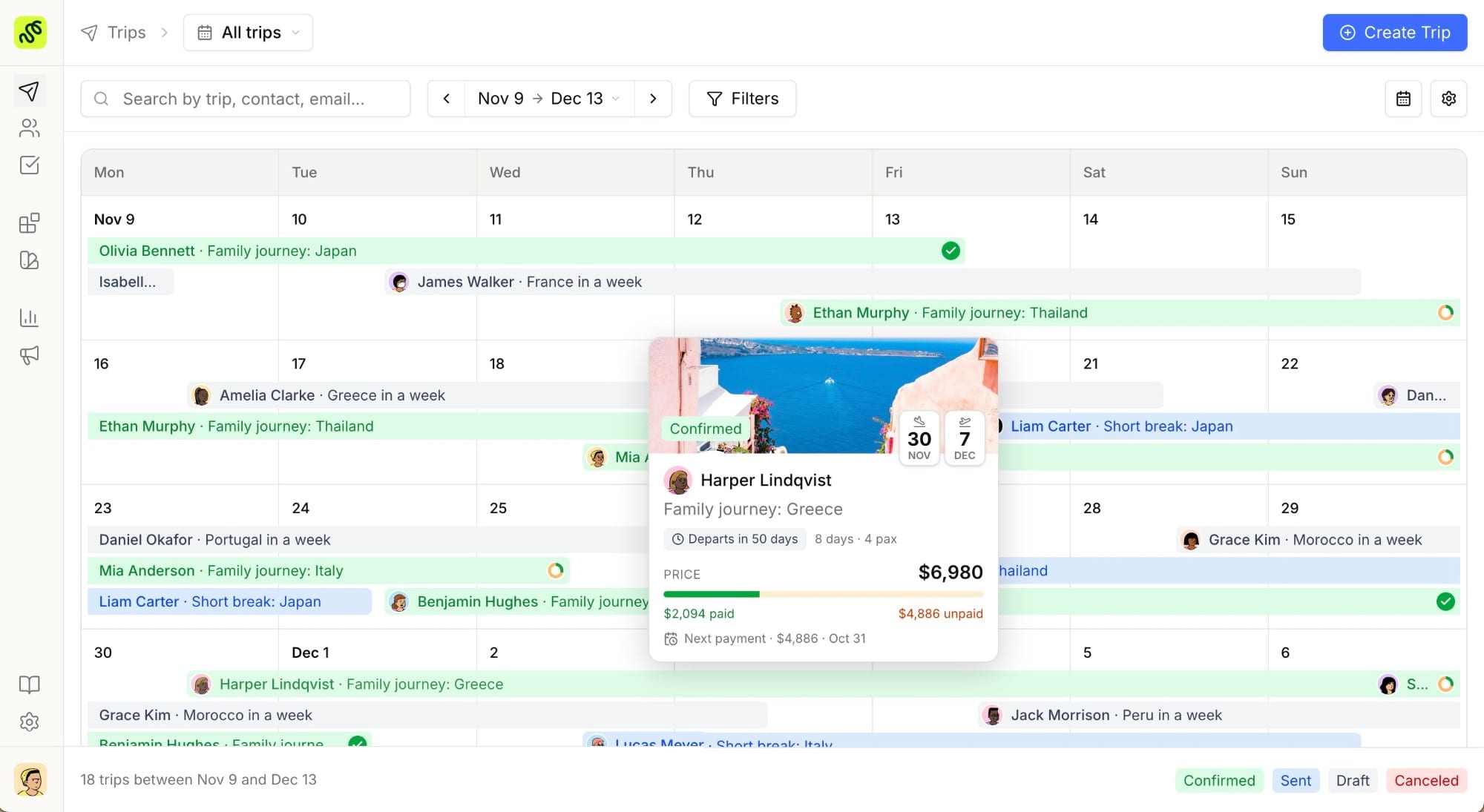
One record, from inquiry to booked trip. When a new lead comes in, it appears in the pipeline. When you build the proposal, you do it from the same record, no toggling between apps. When the client books, the deal closes and the revenue figure feeds the analytics dashboard. No sync step. No export-import cycle. No data that lives in one tool and not the other.
Inbound leads from partner travel sites. On every plan, TravelBuilderPro passes you leads from niche travel partner sites: couples seeking honeymoon designers, families looking for a custom itinerary builder. These land directly in your pipeline with destination preference, travel dates, and group size already attached, not in an email inbox you have to re-enter by hand.
A trial that runs a real workflow. The 7-day trial unlocks the plan you pick in full (inbound leads, the CRM pipeline and the itinerary builder), so you find out whether the workflow fits before the first invoice rather than after it. Plans start at €22/user/month (yearly), full breakdown on the pricing page, and nothing is charged until the trial ends.
Setting up a lean CRM workflow
The setup that works for most two-to-five-person agencies takes one afternoon:
1. One inquiry intake point. Every inquiry (from your site form, a referral, a WhatsApp message), eventually lands in one pipeline view. Build a single web form that feeds directly into your CRM. If you cannot track every lead in one place, the CRM cannot help you.
2. Five pipeline stages. Inquiry received → Proposal sent → Follow-up → Booked → Archived. Start simple. Add a stage only when you identify a genuine process step that consistently happens between two existing ones.
3. Automatic follow-up reminders. Set a rule: any proposal that has not been responded to in five business days generates a follow-up task assigned to the advisor who sent it. Most agencies lose deals not because clients said no, but because the second touch never happened.
4. Notes on every contact record. Destination preferences, past trips booked, how they found you, budget signals from the first call. These notes mean that any advisor on the team can pick up a conversation without starting from scratch, which matters the moment you have more than one person touching the same client.
5. A fifteen-minute monthly review. Pull the pipeline report: which sources convert fastest, which destinations have the longest cycle from proposal to booking, which advisor has the most open proposals going cold. Fifteen minutes of data review each month tells you more about how to grow the agency than six months of intuition.
Swap the spreadsheet for a travel CRM
Ready to replace your spreadsheet with a CRM built for travel? Try every feature free for 7 days and get 7 days of full access from day one.
Common questions
01What is the best free travel CRM for a small agency?
TravelBuilderPro is the most accessible travel CRM built specifically for agencies: a full pipeline, web inquiry capture and a built-in itinerary builder from €22/user/month, with a 7-day trial of every feature on signup. General options like HubSpot and Zoho offer free tiers, but without proposal integration you will need a second tool to run a complete workflow.
02Is HubSpot a good CRM for travel agencies?
HubSpot works well for agencies that generate high inbound marketing volume and treat trip sales as a relatively straightforward funnel. The gap is the proposal side: there is no native itinerary builder, so leads and proposals exist in separate systems. For agencies where the proposal is the main sales asset and revision cycles are common, that gap adds real friction.
03How is a travel CRM different from a general CRM?
A general CRM tracks contacts, deal stages, and communication history. A travel CRM adds travel-specific structure: itinerary data attached to the deal record, destination and trip-type tagging, proposal conversion tracking, and inbound lead sources from travel partner sites. The practical difference is whether the CRM understands what a proposal is, and connects it to a booked revenue number.
04Do I need a CRM as a solo travel designer?
If you are managing more than eight to ten active inquiries at a time, yes. Below that, a well-organized spreadsheet is serviceable. Above that threshold, the cost of missed follow-ups (in proposals that went cold without a second touch) typically outweighs the cost of the tool by a large margin.
05How long does it take to set up TravelBuilderPro?
Most solo designers and small agencies are running live workflows within a day. Contact import from CSV takes under an hour. Pipeline stages are pre-configured and adjustable. The onboarding team helps rebuild itinerary templates during the 7-day full-feature trial, with no implementation fee.
Summarize this article with AI
Opens your assistant with the question already written.