A travel agency CRM migration is the process of moving your contacts, active deals, proposal history, and booking records from an old system (a spreadsheet, a shared inbox, or a general CRM) into a new one without losing anything the business runs on. Done well, it is a planned, reversible sequence, not a single risky export. The order you move data in, the fields you map, and the week you keep both tools running side by side are what decide whether the switch is clean. This guide walks through that sequence for a small agency, and flags the travel-specific data that is easiest to lose along the way.
Audit and clean before you export anything
A migration is the cleanest moment you will ever get to leave dead weight behind. Spend the first hour deciding what deserves a second life, not exporting everything by reflex.
Decide what actually moves
List the objects your team relies on before touching an export button: contact records, active and past deals, the proposal or itinerary attached to each one, supplier notes, and communication threads. Mark inactive contacts and long-dead leads for archiving rather than import. Carrying three years of cold records into a new tool slows every search and clouds every report from day one.
Deduplicate and standardize
Agencies accumulate duplicates: the same traveler entered twice, a couple logged as two unlinked records, phone numbers stored in three formats. Fix this in the export file, before import, where it is a find-and-replace rather than a multi-record cleanup afterward. Standardize dates, split names into first and last, and put every phone number in one format so the new travel CRM reads them as structured data rather than free text.
Map the fields
Write down where each column lands in the new system before you import. A trip-type field, a budget range, how the client found you: these are the travel-specific fields a generic export tends to flatten, and the ones worth preserving because they feed segmentation and reporting later. Mapping on paper first is faster than discovering a mismatch across two thousand records.
The safe migration sequence
The order matters. Moving records in the wrong sequence is how the link between a contact and their deals quietly breaks.
Back up, then export
Export a full copy of the old data and store it untouched before you import a single row. Keep the old tool switched on and its subscription active. A backup you never open is cheap insurance. A source you deleted and then needed back is not recoverable.
Import in the right order
Import contacts and companies first, then deals, then the proposals or itineraries attached to them. New systems link records by matching on that first import, so a deal loaded before its contact often lands orphaned. Run a small test batch first, ten to twenty records, then check those by hand against the original before importing the rest.
Run both systems in parallel
For one to two weeks, keep the old tool live and log new activity in the new one. Parallel running surfaces the fields that did not map cleanly while the source is still there to correct them. Cancel the old subscription only once your team has verified the record counts and worked a full week without reaching back for the old system.
The travel-specific data most likely to get lost
General CRM migration guides focus on contacts and deal values. Travel agencies carry data those guides never mention, and it is the first to disappear in a careless move:
- Proposal and itinerary version history, not just the final PDF
- Trip tags: destination, trip type, and season
- Supplier and booking references tied to each trip
- Communication threads attached to a specific proposal
- Deposit and payment-schedule status on in-progress trips
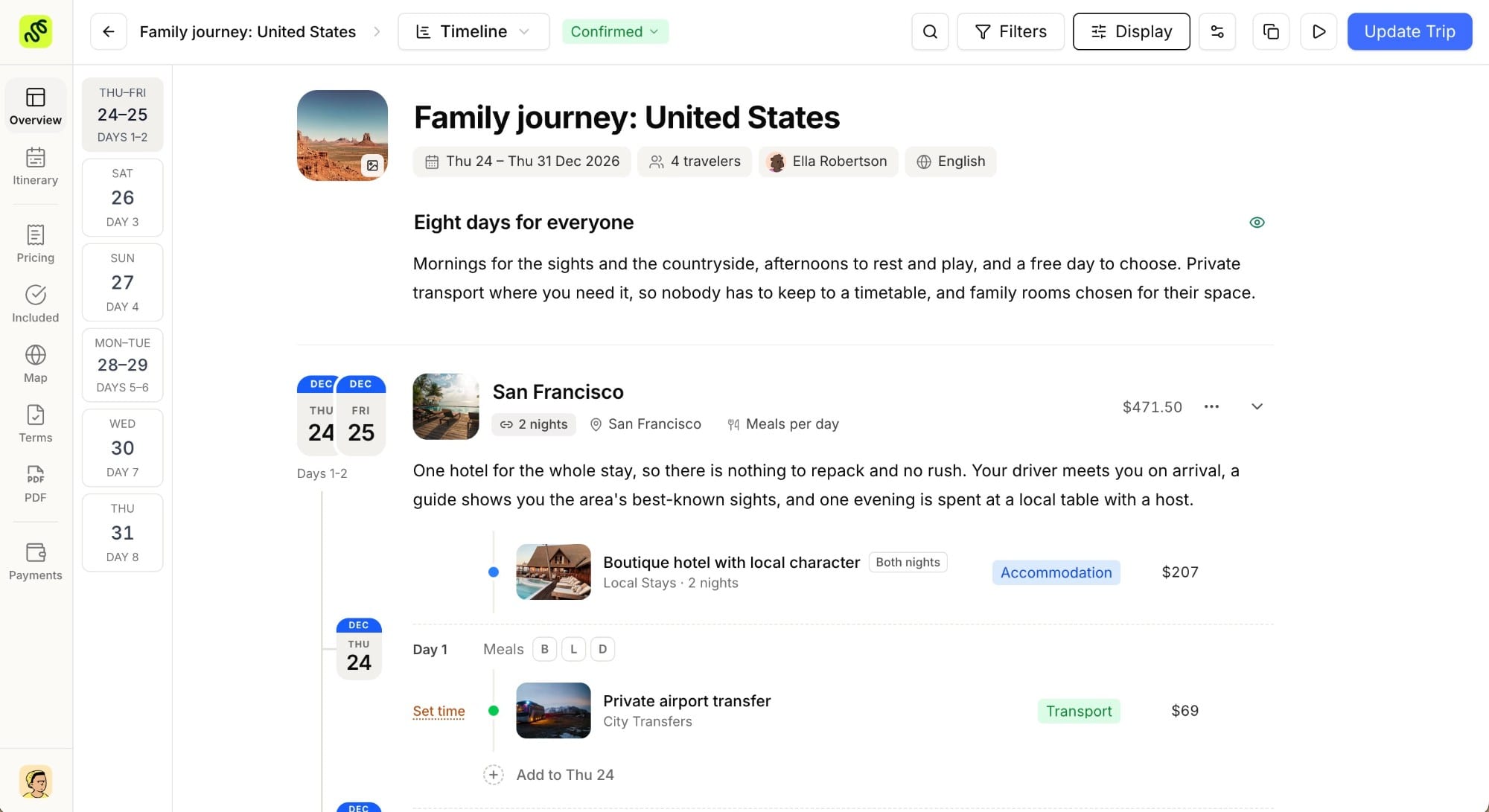
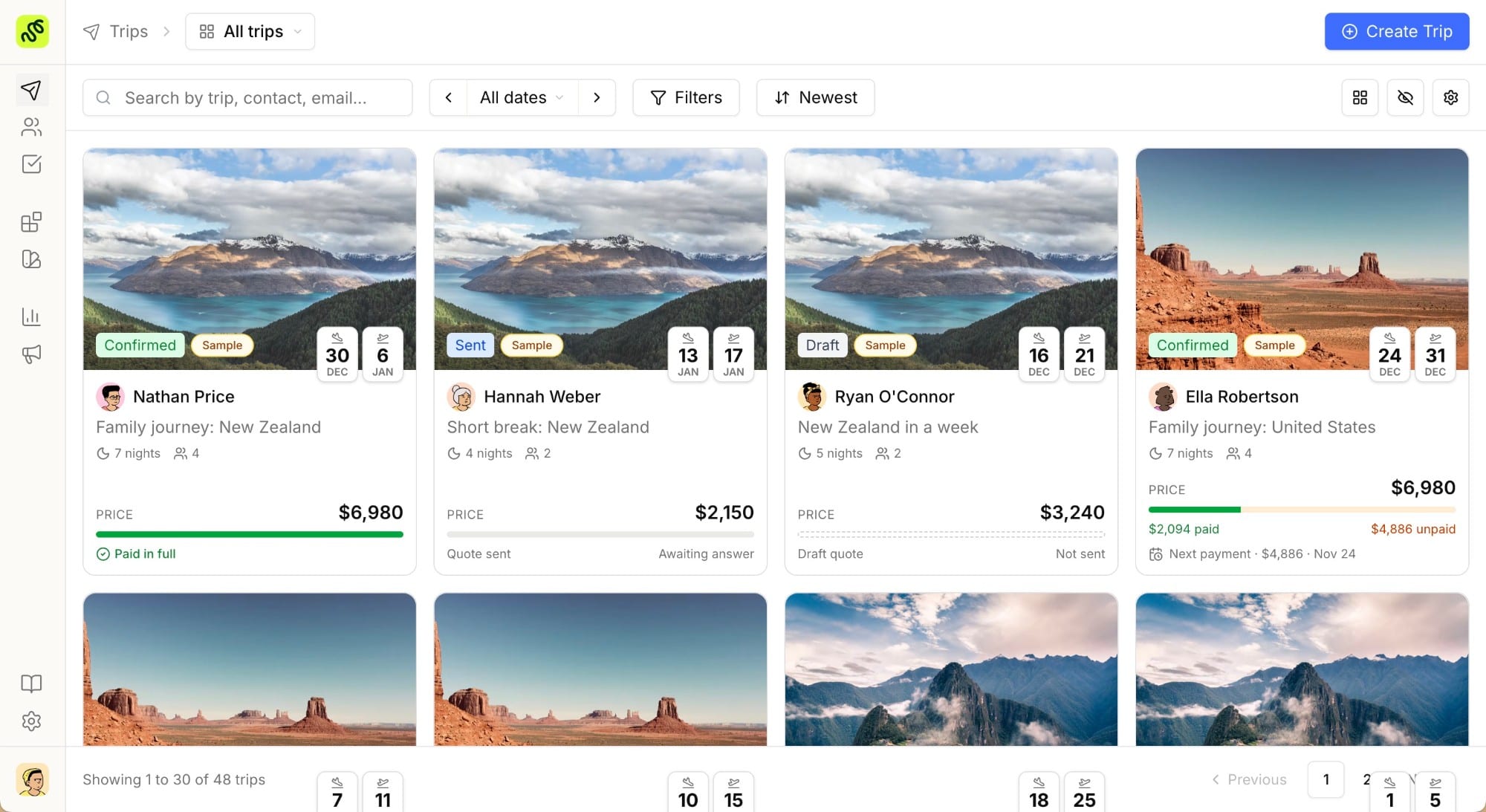
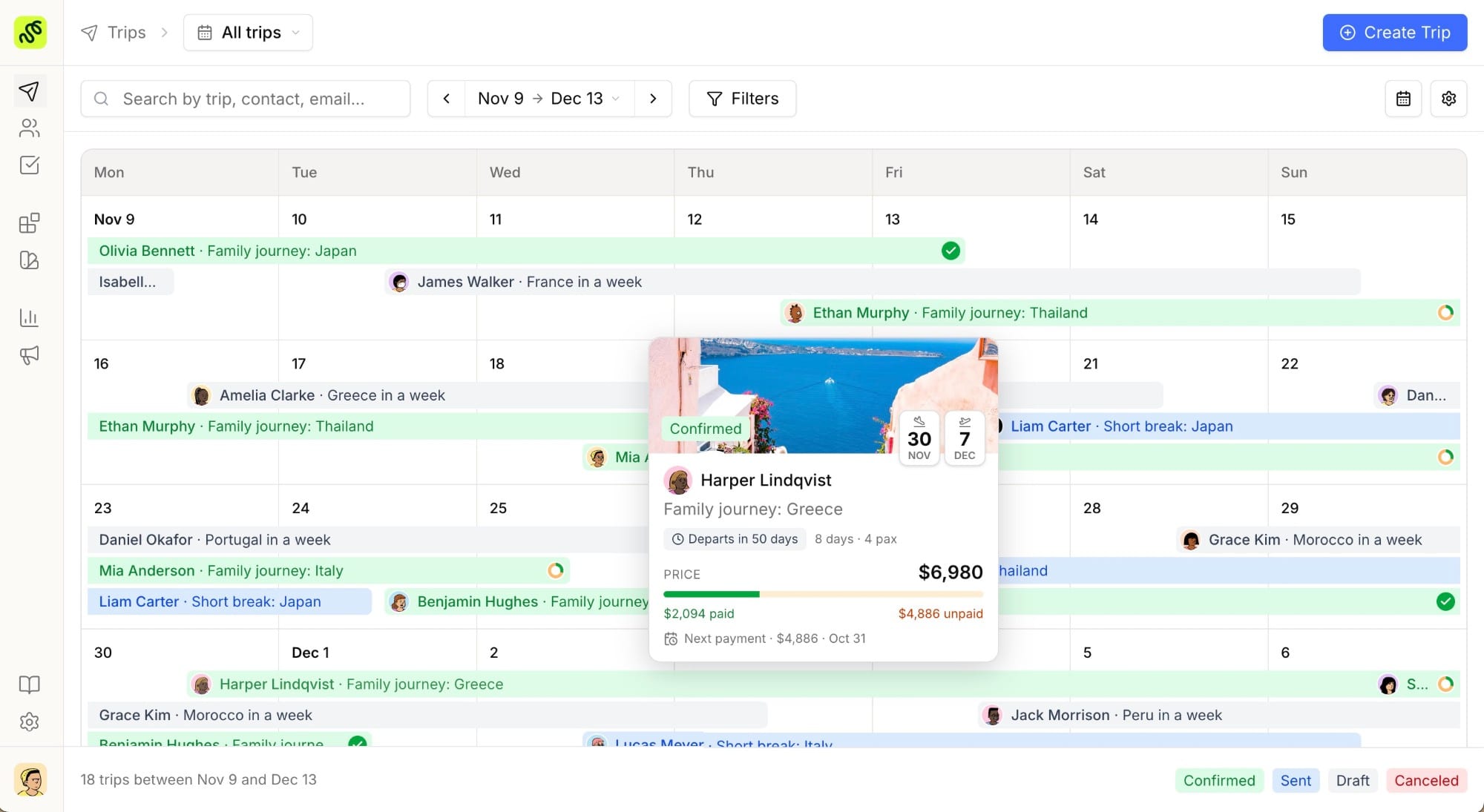
This is the practical argument for landing in a tool where the CRM and the proposal live on the same record. When the itinerary is attached to the deal, there is no separate proposal tool to migrate on its own, and the link between what a client was quoted and what they booked survives the move. It is also what keeps post-migration analytics trustworthy, because conversion and revenue read from one joined dataset instead of two exports stitched together by hand.
How long a travel agency CRM migration takes
Migration guides across the software industry put a properly run move at four to eight weeks end to end: export, clean, map, test import, full import, and a parallel-running window. For a two-to-five-person agency with a few thousand contacts, the hands-on work is closer to a few days spread across that period. Most of the calendar time goes to verification and parallel running, not to the import itself. The number that protects you is not speed. It is the week you spend with both systems live before you switch anything off.
Migrating into TravelBuilderPro
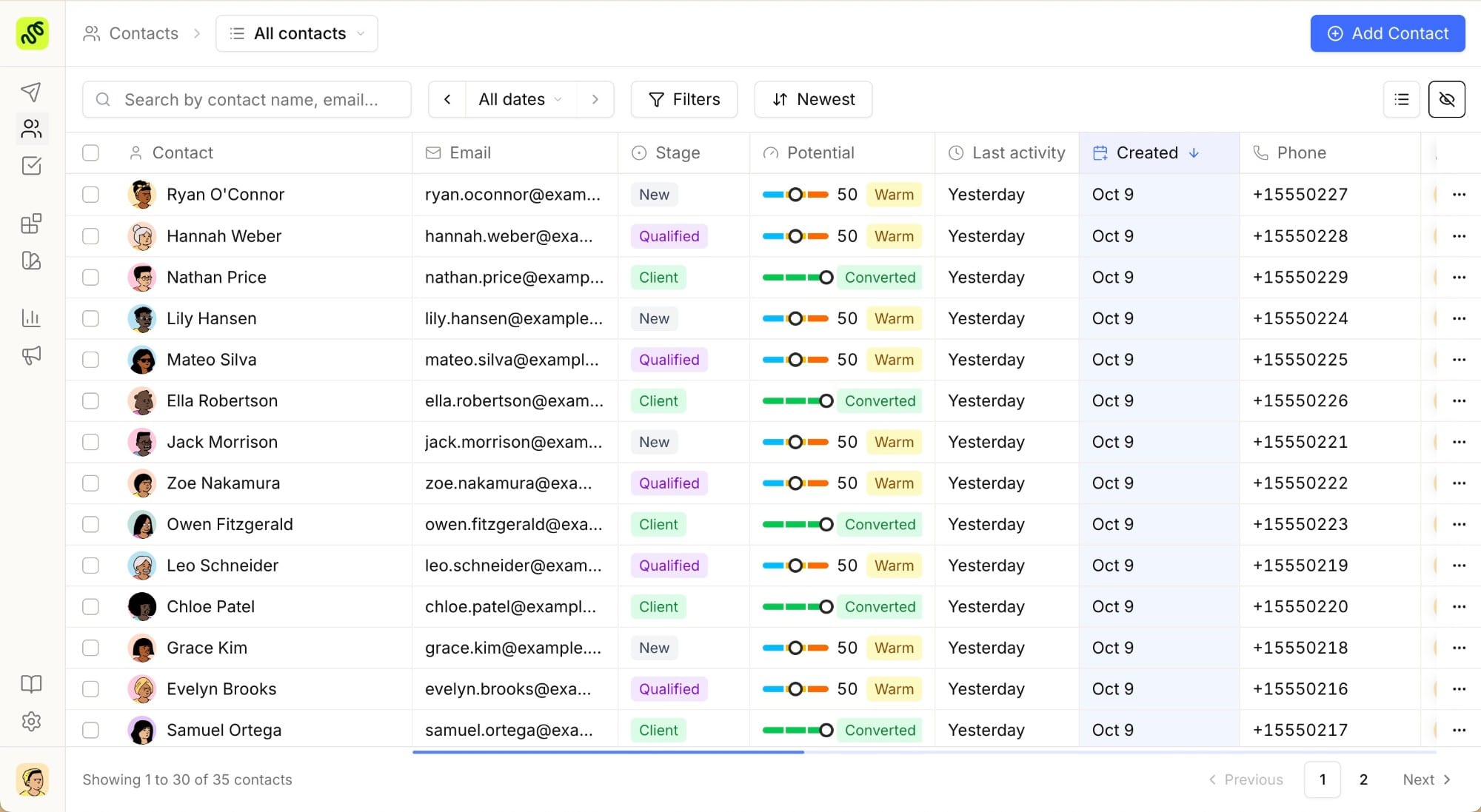
For agencies moving in, contact import from CSV is supported on day one, so the contact and lead list comes across in the first hour. The 7-day trial unlocks every feature of the plan you pick, which is enough to run a real test migration: import a batch, rebuild a template trip, and confirm the workflow fits before the first invoice. The onboarding team helps rebuild itinerary templates during that window, and suppliers and rates are added manually or through the API. Tools that run a demo-on-request model instead, like Tourwriter, make that kind of hands-on test harder to arrange before you commit budget. A card is added at signup and nothing is charged until the trial ends, with the full plan breakdown on the pricing page.
Run a test migration on your own data
Ready to run a test migration on your own data? Try every feature free for 7 days and import your contacts from day one.
Common questions
01How long does a travel agency CRM migration take?
Industry migration guides put a properly run move at four to eight weeks end to end, covering export, cleanup, field mapping, a test import, the full import, and a parallel-running window. The hands-on work for a small agency is only a few days of that. The rest is verification and running both tools at once, which is the part that actually prevents data loss.
02Will I lose my proposal and booking history when I switch CRM?
Only if you migrate without planning for it. Proposal version history, attachments, and trip tags are the fields generic exports drop first, so export them deliberately and verify them after import. Landing in a tool where the proposal lives on the deal record removes the risk entirely, because there is no second system holding half the history.
03Can I import my contacts from a spreadsheet or another CRM?
Yes. A CSV export is the common path, and CSV import is supported in TravelBuilderPro on day one. Clean and deduplicate the file before you import, and load contacts before deals so the new system links each deal to the right person.
04Should I keep my old CRM running during the switch?
Yes. Run the old and new systems in parallel for one to two weeks and keep the old subscription active until then. That window catches any field that did not map cleanly while the original data is still there to fix it. Cancel the old tool only after you have verified the counts.
05What is the most common travel agency CRM migration mistake?
Deleting or cancelling the old system too early, and skipping the test batch. Both remove your ability to catch a mapping error before it has spread across every record. A backup, a small test import, and a parallel week are the three habits that make a migration reversible.
Summarize this article with AI
Opens your assistant with the question already written.