A free itinerary builder for travel agencies is any tool that lets you design and share a day-by-day trip plan without paying upfront: a general document editor, the free tier of a travel platform, or a limited consumer trip planner. For a quick one-off, free can be enough. For an agency sending proposals every week, the real cost shows up later, in time lost to rework, weak branding, and client data scattered across tools. This guide covers what free options actually give you, where they break down, and how to pick a builder that still fits when your pipeline grows.
What counts as a free itinerary builder
Most “free” options fall into three groups, and they are not interchangeable.
General-purpose tools. Google Docs, Slides, Canva, or a spreadsheet. They cost nothing, everyone knows them, and you control the layout completely. The trade-off is that nothing is built for travel: no reusable day blocks, no supplier records, no client-facing link that you can track.
Free tiers of travel software. Some dedicated platforms offer a limited plan or a trial. You get travel-specific structure, but usually with caps on active trips, exports, or team seats, and the branding is often locked behind a paid plan.
Consumer trip planners. Apps aimed at travelers who plan their own holidays. They look polished, but they assume the planner is the traveler, not a professional building proposals for clients, so there is no proposal workflow, no pricing, and no CRM.
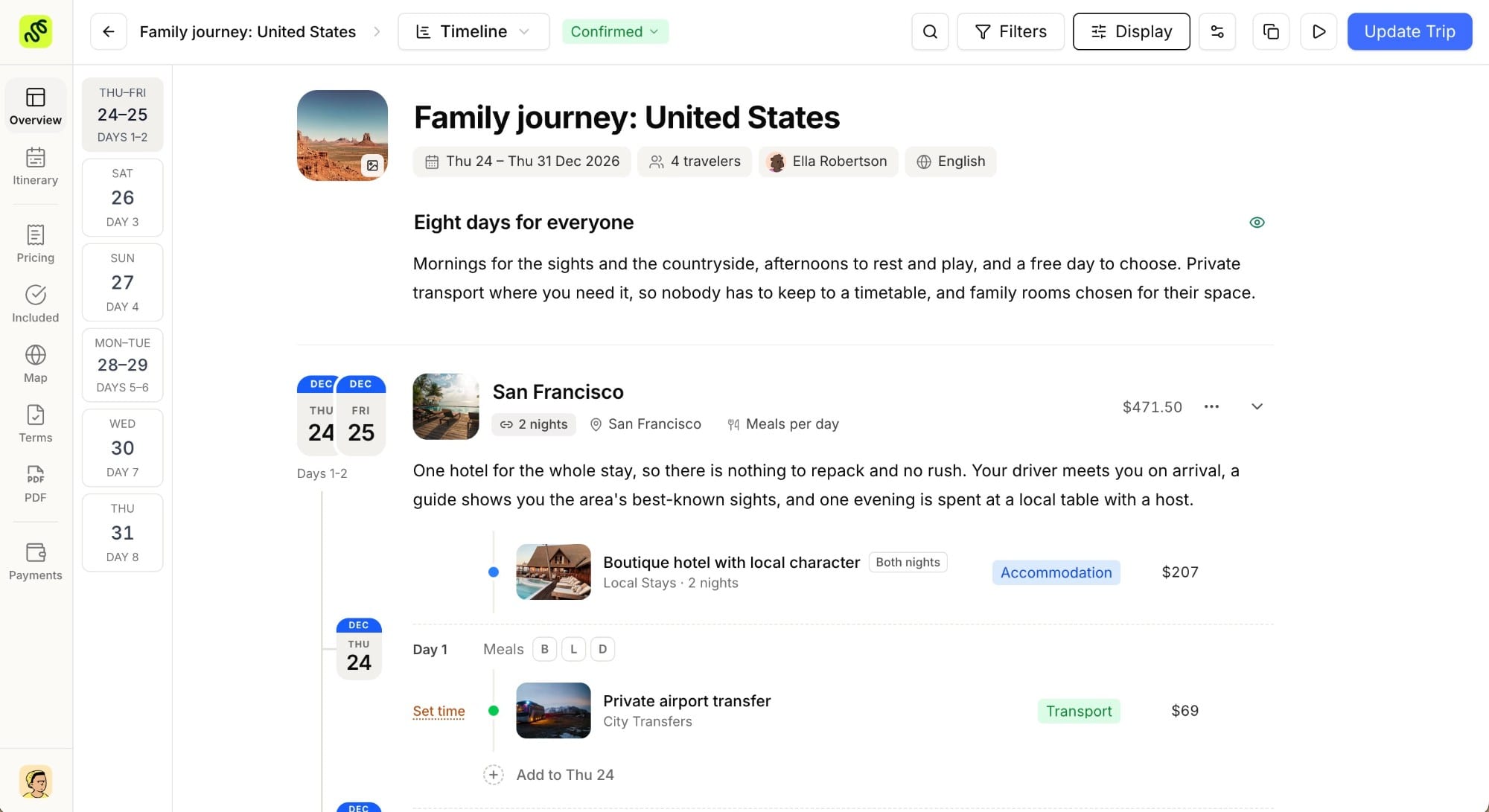
If you are evaluating a true agency tool, start from what the category is supposed to do. Our itinerary builder glossary entry sets the baseline: a professional builder turns research and supplier information into a branded, client-ready document, fast, and keeps it reusable for the next trip.
Free itinerary builders compared at a glance
The table below compares the three free categories with a dedicated agency platform, across the things that decide whether a tool saves or costs you time.
| What matters | General tools (Docs, Canva) | Free tier of travel software | Consumer trip planner | Dedicated agency platform |
|---|---|---|---|---|
| Upfront price | Free | Freewith caps | Free | Paid, trial on signup |
| Speed to first draft | Slow, built from scratch | Medium | Medium | Fast, from reusable templates |
| Travel-specific structure | None | Partial | Partial | Fulldays, suppliers, pricing |
| Branded, client-ready output | Manual | Often locked to paid | Limited | Yescustom branding |
| Shareable, trackable link | No | Sometimes | Sometimes | Yes |
| Built-in client records | No | Limited | No | Yes |
| Booking analytics | No | Rarely | No | Yes |
| Team collaboration | Basic sharing | Seat caps | No | Yes |
| Scales with your pipeline | Poorly | Hits a ceiling | No | Yes |
No single row disqualifies a free tool. The pattern across rows is the point: free options win on price and lose on everything that compounds once you send more than a handful of proposals a month.
Where free itinerary builders fall short for agencies
Every proposal starts from zero. Without reusable day blocks and a supplier library, you rebuild the same Peru or Italy trip each time. Thirty minutes of copy and paste per proposal adds up to days per quarter.
Branding stays generic. A proposal in a stock document template reads as a draft, not a considered recommendation. Consistent branding is one of the clearest signals that a client is dealing with a professional, and it is the first thing most free tiers hold back.
You cannot see what the client does. A PDF attachment or a flat document gives you no idea whether the client opened it, which day they lingered on, or when to follow up. A trackable link turns a guess into a timed, informed follow-up.
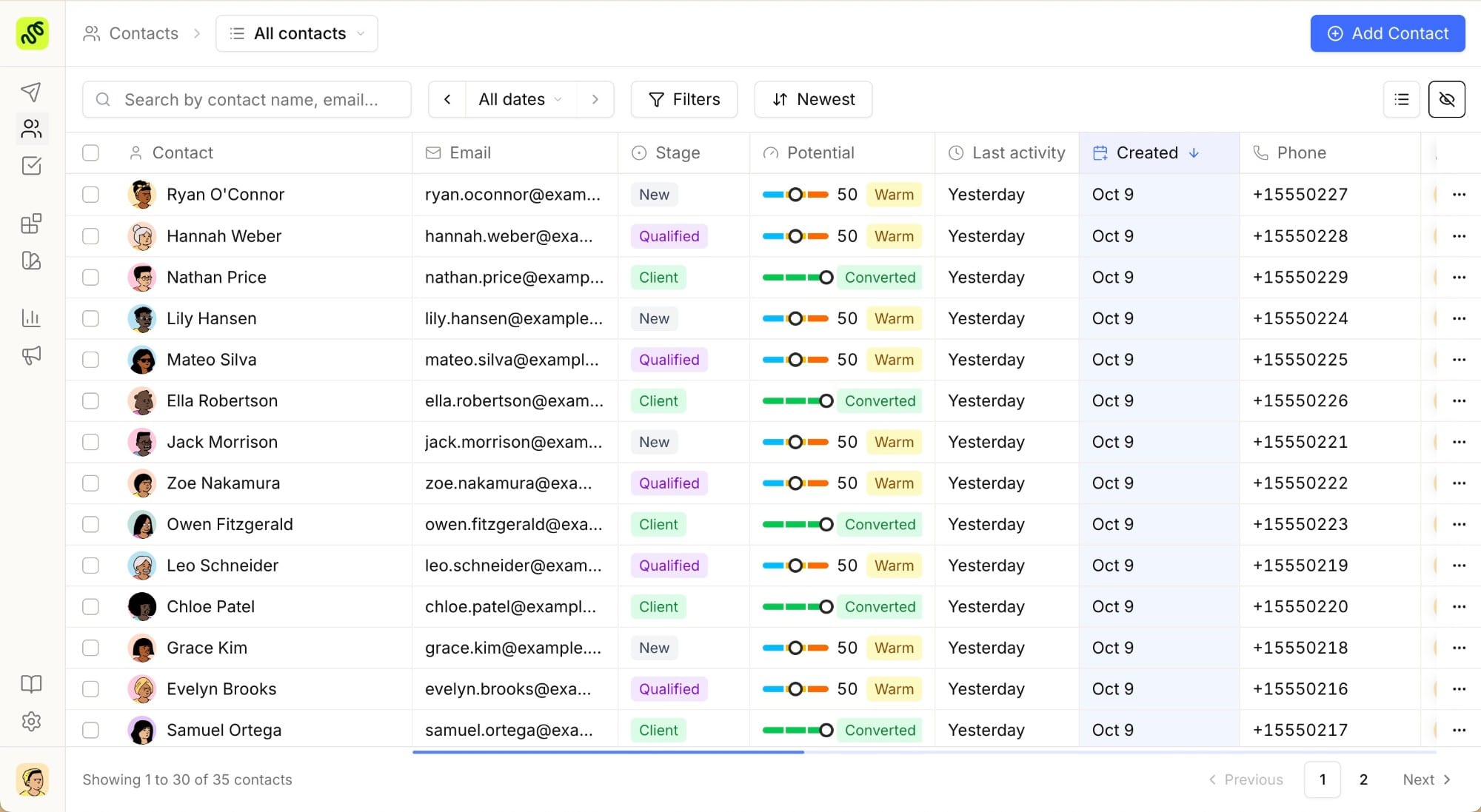
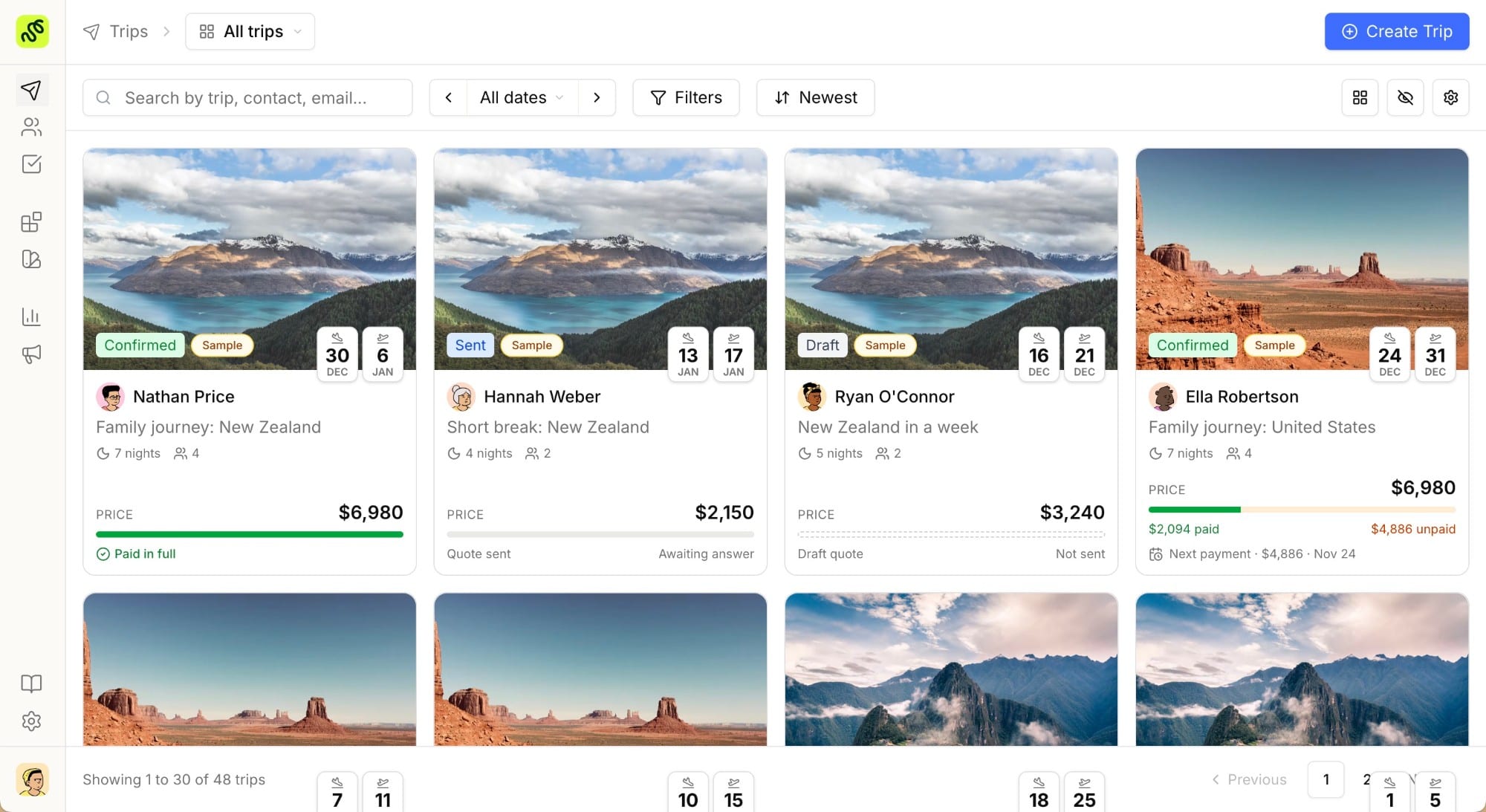
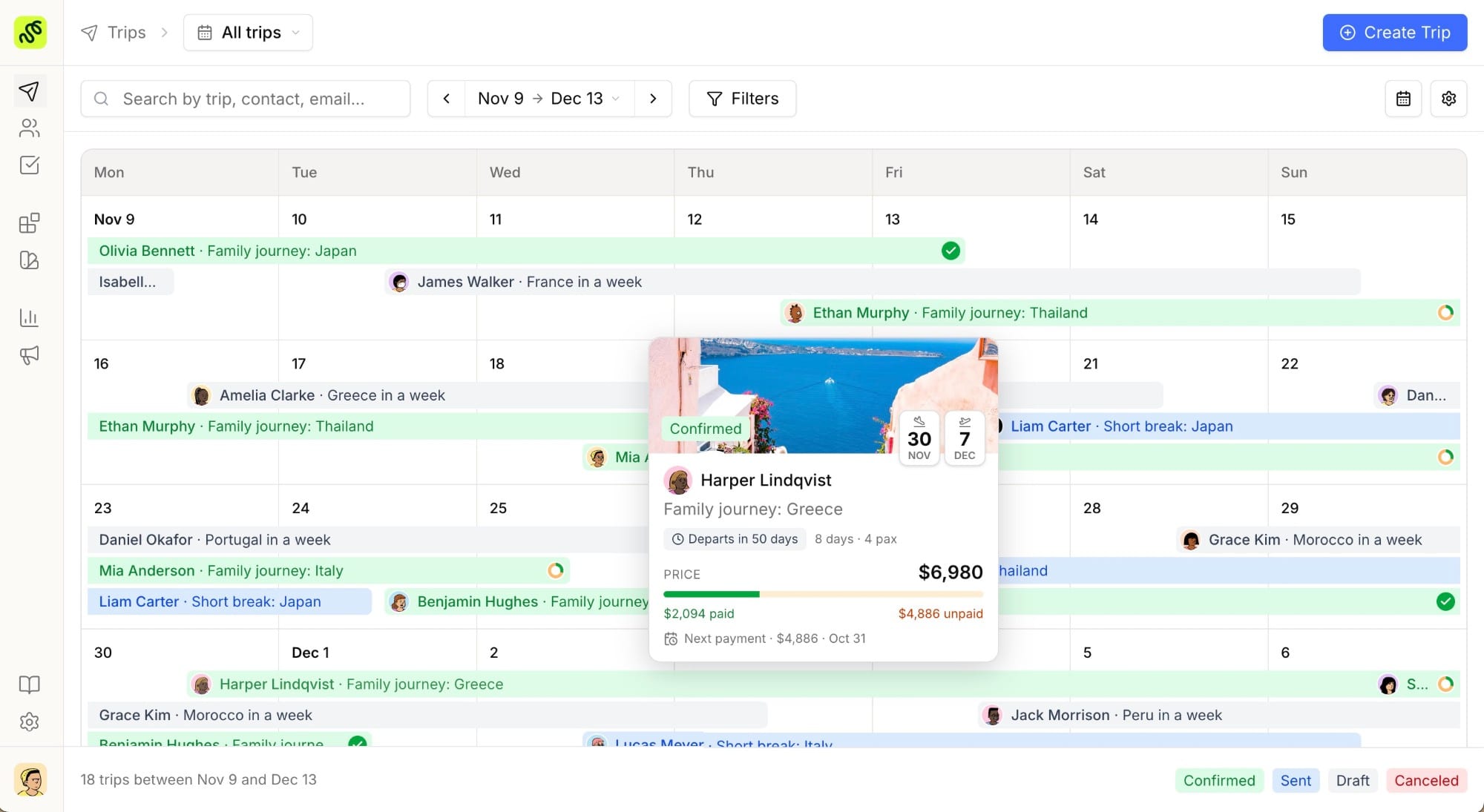
Client data lives everywhere and nowhere. The itinerary is in one tool, the emails in another, the payment notes in a spreadsheet. When a repeat client comes back a year later, the history is gone. A central client record, the job of a travel CRM, is what makes the next trip faster than the first.
Features worth keeping even on a tight budget
If budget is the reason you are looking at free tools, protect the features that pay for themselves rather than cutting them blindly.
- Reusable templates. The single biggest time saver. Build a trip once, reuse its structure forever.
- Branded output. Your logo, colors, and tone on every proposal, without manual formatting each time.
- A trackable client link. So follow-up is based on behavior, not a calendar reminder.
- A central client record. One place for contacts, trip history, and notes.
- Basic analytics. Which proposals convert, at what value, and where leads come from. You cannot improve a number you never see.
A free tool that covers the first two but none of the rest can work for a solo advisor sending a couple of proposals a month. Past that volume, the manual workarounds usually cost more in time than a paid plan costs in money.
How to choose a free itinerary builder, and when to upgrade
Run any candidate through a short checklist:
- Can you produce a branded, client-ready proposal in under an hour?
- Can you reuse a past trip instead of starting over?
- Can you see whether the client opened the proposal?
- Is the client’s history kept somewhere you will still find it next year?
- Will the tool still fit when your team or trip volume doubles?
If a free tool clears all five, it is genuinely enough for now. If it fails on three or more, you are not saving money, you are deferring the cost into unpaid hours.
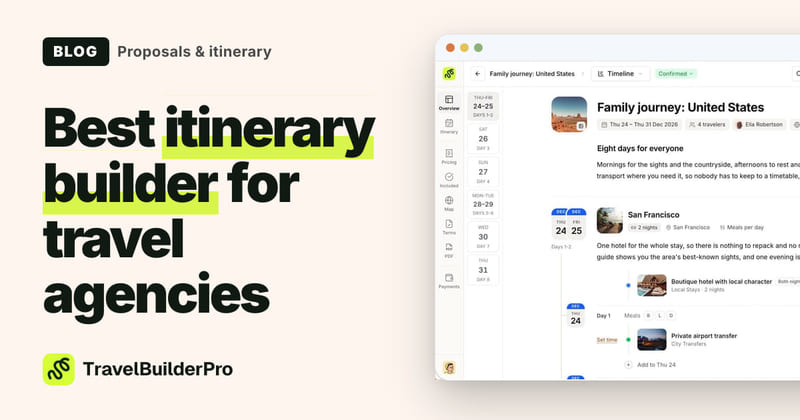
TravelBuilderPro is built for the agency that has outgrown free tools but does not want a heavy enterprise suite. Itinerary builder, CRM, and booking analytics live in one workspace, proposals carry your branding and a trackable link, and templates make the second trip to a destination far faster than the first. Pricing is public (Starter from 22 euros per user per month billed yearly, Professional 39, Premium 62), and there is a 7-day full-feature trial on signup that converts to the plan you choose unless you cancel. If you want to compare named tools first, our guide to the best itinerary builder for travel agencies and the pricing page are the next stops.
Start building better itineraries
Stop rebuilding proposals from scratch and losing track of who opened what. Try every feature free for 7 days and see how fast a branded, trackable itinerary comes together.
Common questions
01Is there a truly free itinerary builder for travel agencies?
There are free tools you can build itineraries in, such as document editors and the limited free tiers of some travel platforms, but a tool designed for agency workflows (reusable templates, branding, client tracking, and a CRM) is almost always a paid product. The honest answer is that “free” usually means “free for very low volume,” and the cost returns as time once you scale.
02Can I use Google Docs or Canva as an itinerary builder?
Yes, and many agencies start there. They give you full control over layout at no cost. The limits appear with volume: no reusable travel structure, no supplier library, no trackable client link, and no way to keep client history connected to the proposal. For a few trips a month they work. For a steady pipeline they create rework.
03What is the difference between a free itinerary builder and a free travel CRM?
An itinerary builder creates the trip document; a travel CRM stores clients, leads, and follow-ups. Free versions of each solve only half the job, which is why agencies often end up stitching several free tools together. A combined platform keeps the proposal and the client record in one place, so nothing is retyped and nothing is lost.
04When should an agency pay for an itinerary builder?
When the manual workarounds cost more time than the subscription costs money. A common trigger is sending more than roughly five to ten proposals a month, hiring a second advisor, or losing a repeat booking because the client history was gone. At that point a paid builder usually pays for itself within the first few trips.
Summarize this article with AI
Opens your assistant with the question already written.