Most travel agencies don’t start with software. They start with a spreadsheet for leads, a Word template for itineraries, and an inbox for client conversations. That stack works fine at low volume. The question every growing agency eventually asks is when travel agency software stops being optional and starts being the thing that’s actually holding revenue back. This guide breaks down what spreadsheets can and can’t do, what dedicated software replaces, and the signs that it’s time to switch.
The real cost of running a travel agency on spreadsheets
Spreadsheets are free and infinitely flexible, which is exactly why they’re the default. But the cost shows up in three places that don’t appear on any invoice:
- Time. Every proposal starts from a blank template. Every price change means re-typing rows by hand. Every new hire needs someone to explain which tab means what.
- Errors. A stale exchange rate, a copy-pasted date that didn’t get updated, a lead that fell through a cell nobody scrolled to. These mistakes are invisible until a client catches one.
- Context loss. A spreadsheet row doesn’t hold conversation history, attached documents, or a live view of where a lead sits in your pipeline. That context lives in someone’s inbox or memory, which means it disappears when they’re on vacation or leave the company.
None of this is a knock on spreadsheets: they’re a genuinely good tool for a one-person operation testing an idea. The friction shows up specifically when a second person joins the team, or when lead volume passes what one inbox can track cleanly.
What travel agency software actually replaces
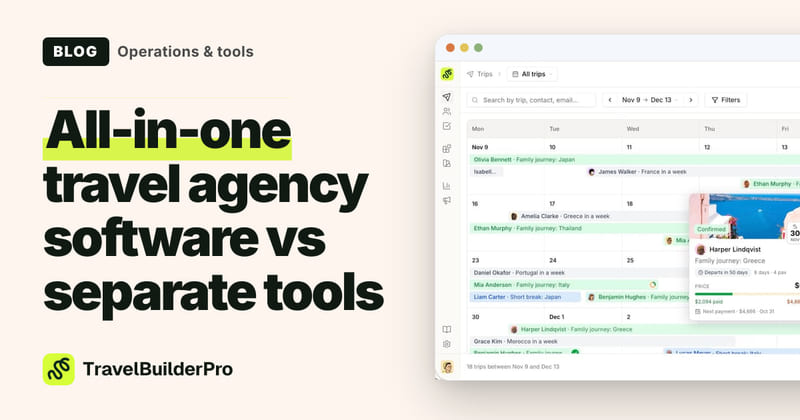
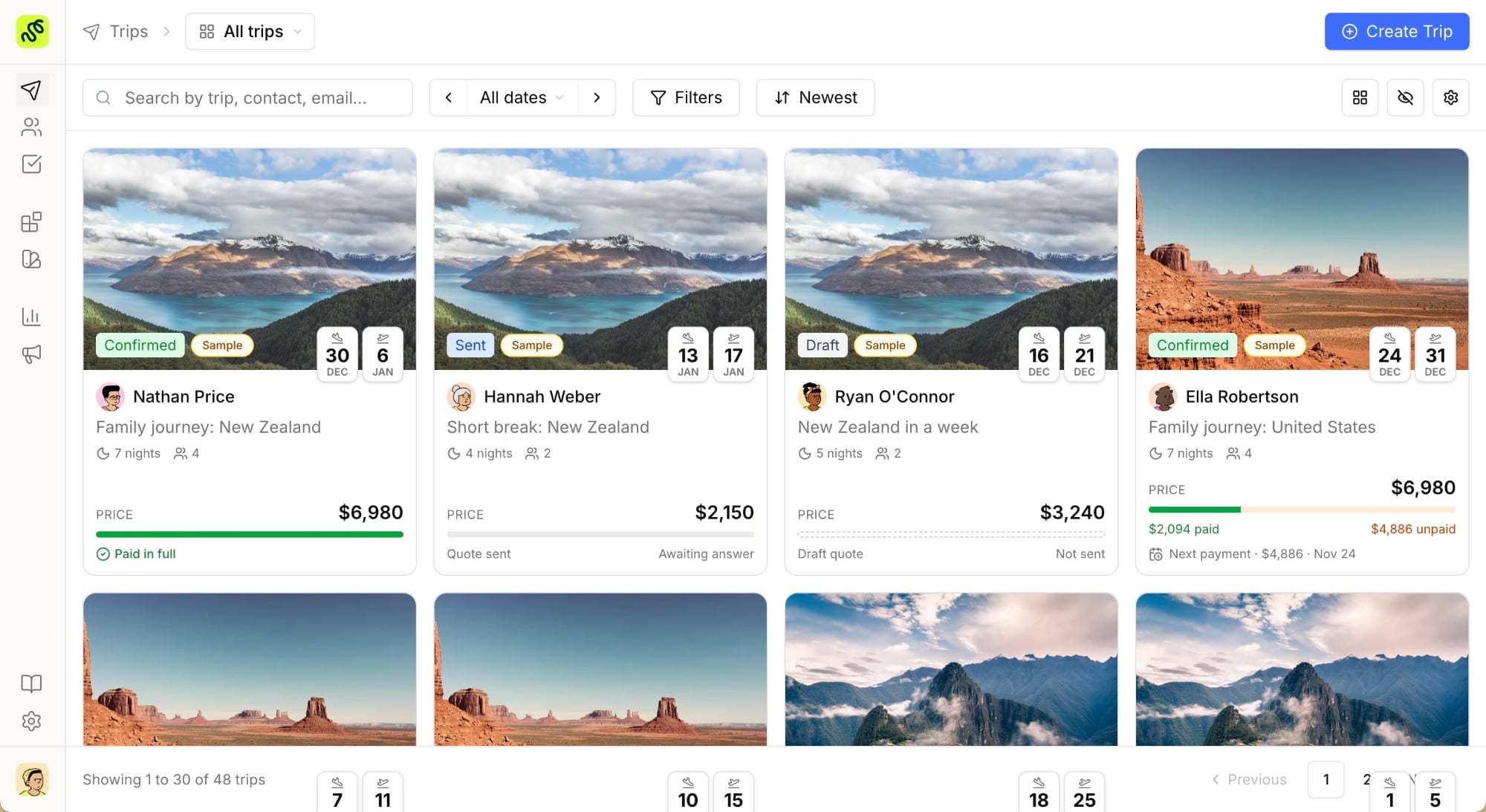
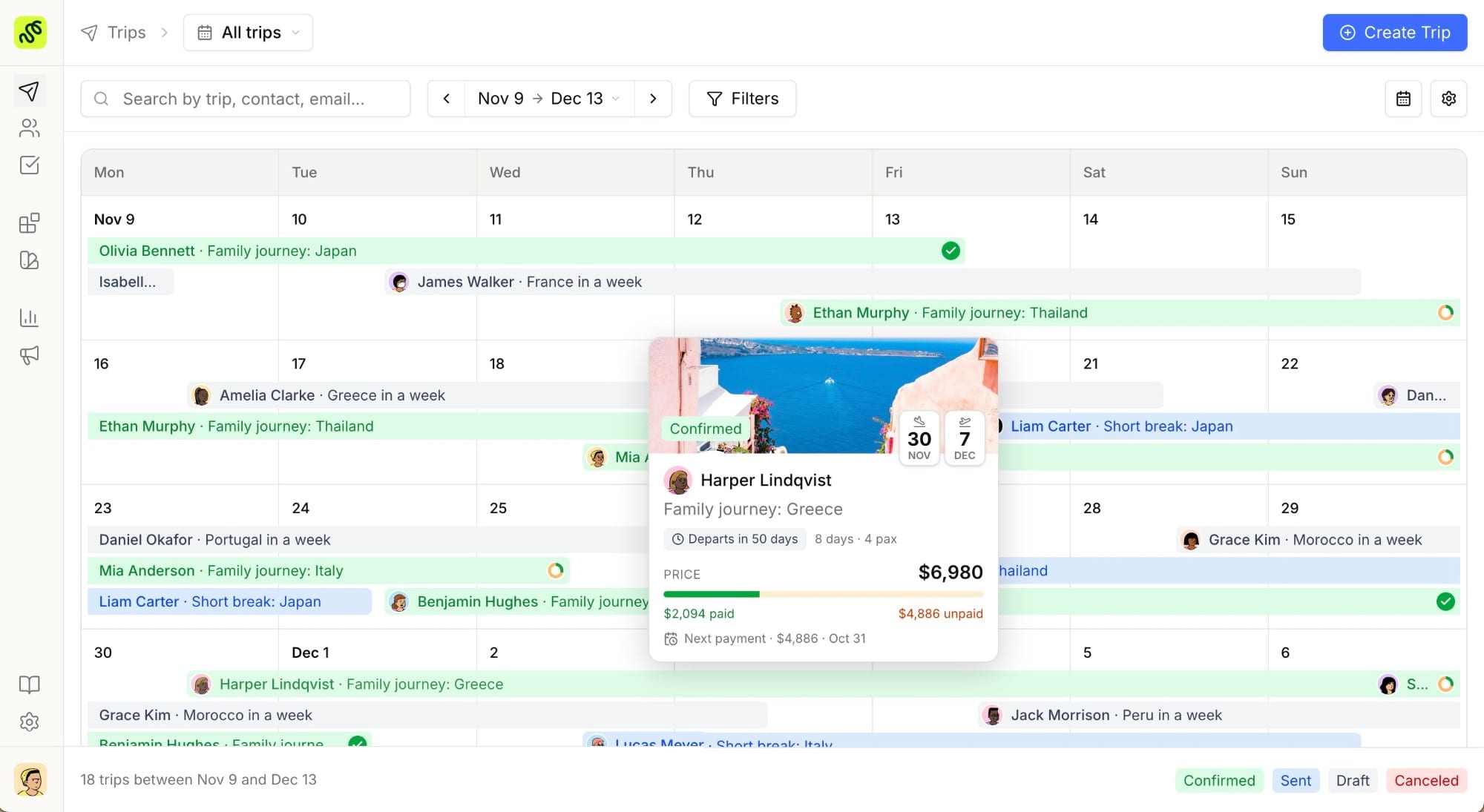
Dedicated travel agency software isn’t one feature: it’s usually three tools that used to live separately, now sharing the same data:
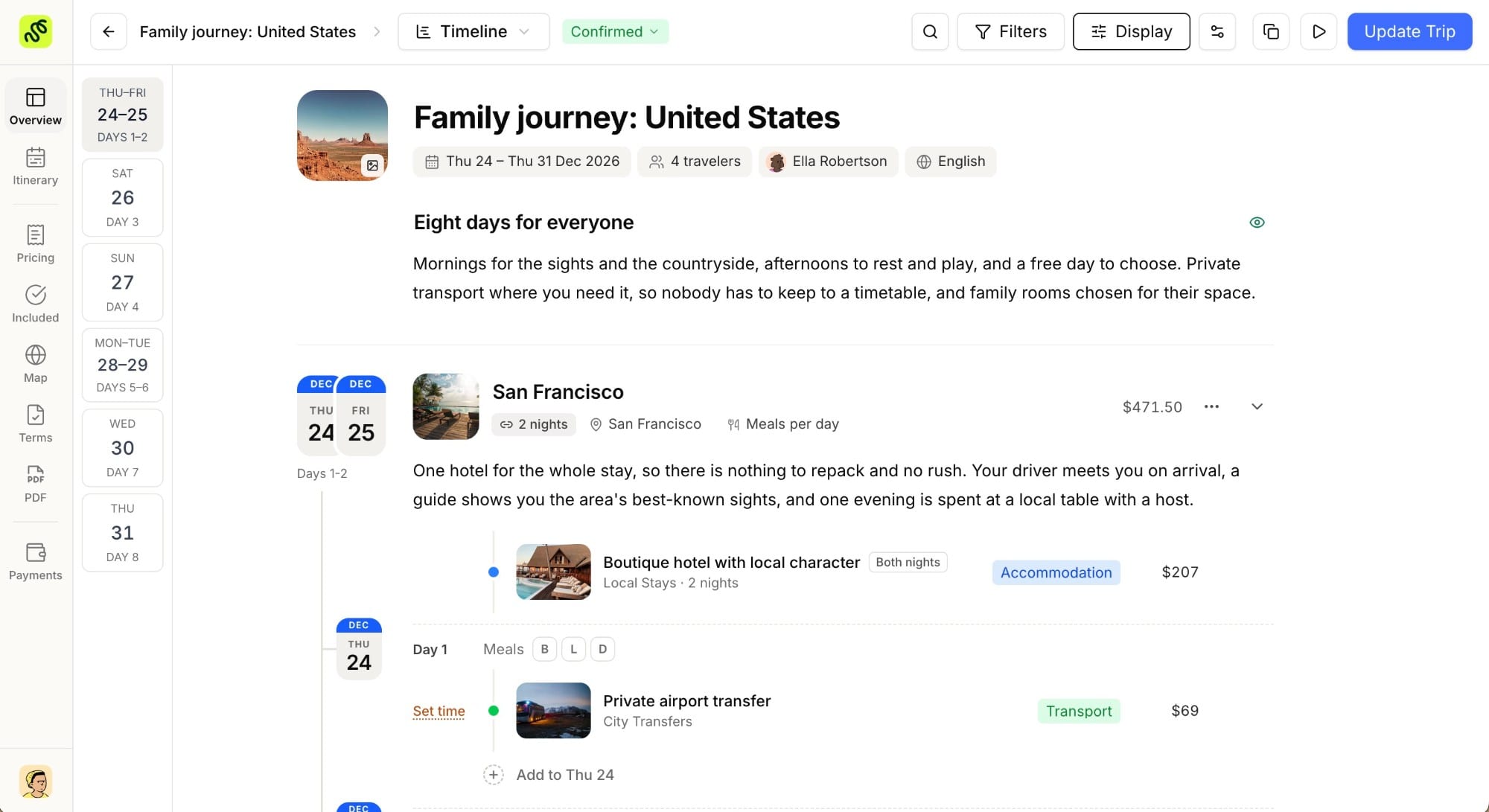
- Itinerary building. Instead of a Word doc reformatted in Canva, an itinerary builder turns a repeatable structure (day blocks, supplier cards, pricing) into a branded, shareable proposal in minutes instead of hours.
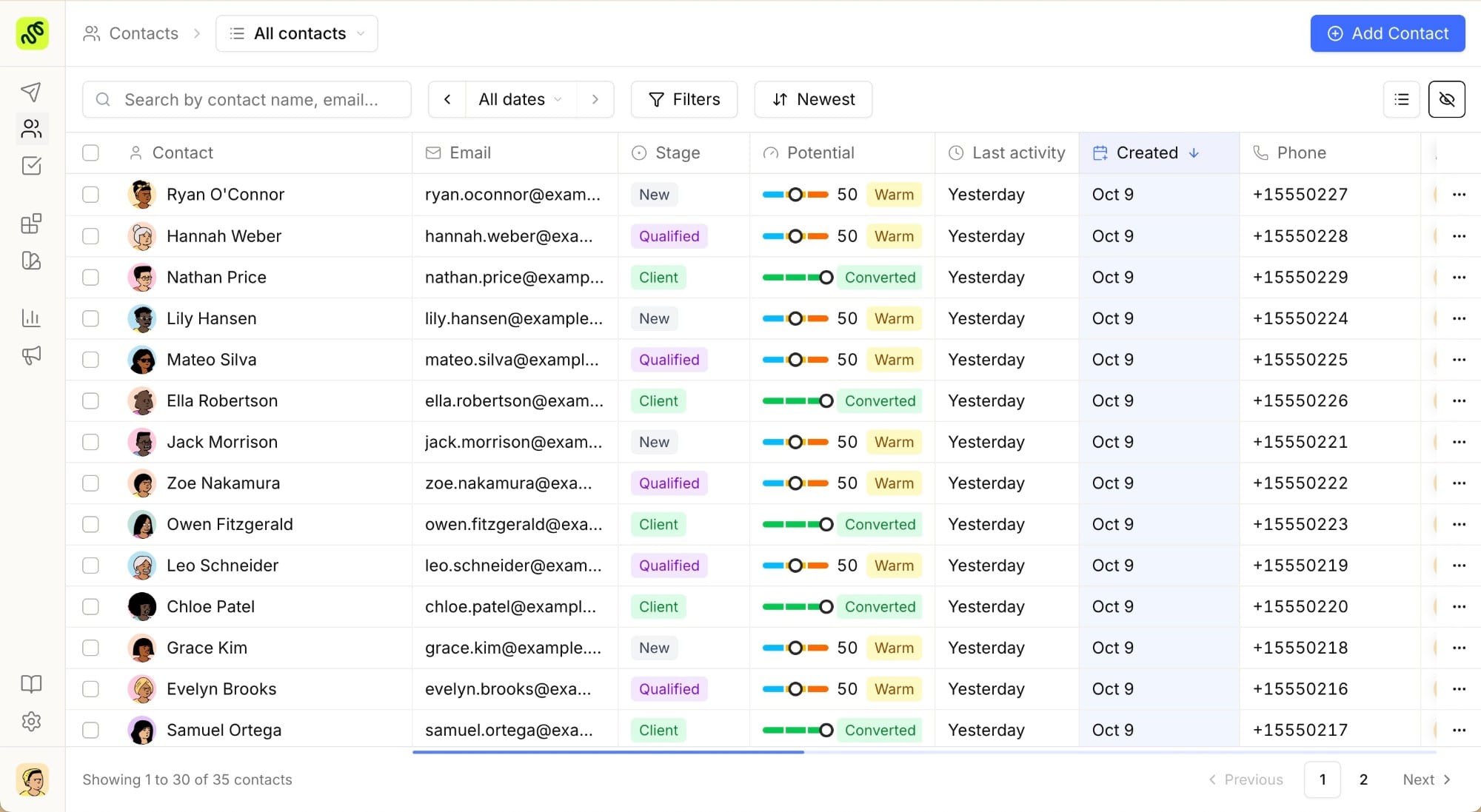
- Client and lead management. Instead of a spreadsheet tab per client, a travel CRM tracks every contact, where they sit in your pipeline, and every proposal or conversation tied to them, in one record.
- Visibility into what’s working. Instead of guessing which channel or trip type converts best, built-in analytics show conversion rates and revenue by source without a manual export-and-pivot-table exercise.
The value isn’t any single piece: it’s that all three stay connected. A lead becomes a contact, a contact gets a proposal, a proposal becomes a booking, and the whole path is visible without switching tabs.
Comparison table: spreadsheets & email vs. dedicated travel agency software
| Task | Spreadsheets & email | Dedicated travel agency software |
|---|---|---|
| Building a client itinerary | Manual, from a Word or Canva template | Reusable blocks, branded output in minutes |
| Sharing a proposal | Static PDF attachment | Live, trackable link (and PDF export) |
| Tracking leads | One row per client, easy to lose track | Visual pipeline with stages and follow-up reminders |
| Client history | Scattered across inbox and file folders | Attached to the contact record automatically |
| Multi-currency / multi-language | Manual conversion and re-typing | Built-inno extra work per proposal |
| Reporting on conversion | Manual export and pivot tables | Live dashboard, updated automatically |
| Onboarding a new team member | Tribal knowledge: “ask Sarah” | Structured records anyone on the team can read |
| Cost at small scale | Free | From €22/user/month on tools like TravelBuilderPro |
Signs it’s time to switch
A few concrete signals tend to show up before agencies make the move:
- You’re copy-pasting the same itinerary structure for the fifth time this month. That’s a template problem software solves natively.
- A lead went cold because nobody followed up. Spreadsheets don’t remind anyone; a pipeline with stages does.
- You’ve hired someone and they can’t find anything. Tribal knowledge doesn’t scale past one person.
- A client asked “did you get my message?” and you had to check three places. That’s a sign conversation history and proposals aren’t living in the same place.
- You genuinely don’t know which trip types or lead sources make you the most money. That’s a reporting gap, not a hustle problem.
If none of these apply yet, spreadsheets are probably still fine. If two or more do, the manual workflow is likely costing more in lost time and lost leads than a dedicated tool would cost in subscription fees.
What to look for when you make the switch
Not every travel agency software option is built the same way, and some legacy platforms in this space (Tourwriter, for instance) are aimed at large, established tour operators with enterprise budgets and long implementation timelines. For an independent designer or a small-to-mid-size agency, the checklist looks different:
- A trial that unlocks every feature, so you can test the workflow with real clients before committing budget.
- Transparent, published pricing: not a “contact sales” form.
- Itinerary, CRM, and analytics in one subscription, instead of three separate tools that don’t talk to each other.
- A fast setup. If onboarding is measured in weeks rather than a single trial session, that’s a cost too.
Common objections
“We’re too small to need software.” Size isn’t really the trigger: repetition and lead volume are. A solo designer sending five proposals a month can outgrow spreadsheets just as fast as a five-person team, if those five proposals all start from scratch.
“Migration sounds like a headache.” Moving a handful of active clients and one or two itinerary templates over is usually a same-day task, not a project. Most of what’s “lost” in a spreadsheet (old, inactive leads) doesn’t need migrating at all.
“We already have a system that works.” If that system is genuinely working (nothing falling through, the team has full visibility, reporting takes minutes not hours), it’s working. The switch matters when the answer to any of those is no.
Try every feature free for 7 days
TravelBuilderPro combines an itinerary builder, CRM, and analytics in one workspace, with a 7-day full-feature trial on signup. See what a single proposal takes to build before you decide.
Common questions
01Is travel agency software worth it for a solo travel designer?
Often, yes: the return isn’t about team size, it’s about how many proposals you send. A tool that turns a two-hour itinerary build into a fifteen-minute one pays for itself quickly once you’re sending more than a handful of proposals a month.
02Can I keep using spreadsheets alongside travel agency software during a transition?
Yes. Most agencies migrate active clients and current templates first, keep the old spreadsheet as a read-only archive, and stop adding new rows to it. There’s no need to migrate every historical record on day one.
03What’s the actual cost difference between spreadsheets and dedicated software?
Spreadsheets are free to use but not free in time. The cost is hidden in hours spent formatting, chasing leads manually, and rebuilding proposals from scratch. Tools like TravelBuilderPro start at €22/user/month, so the entry cost is modest; the difference shows up in time saved.
04Do I need to be a large agency to justify dedicated software?
No. Most of the switching signals (repeated manual work, lost leads, unclear reporting) show up in single-person operations just as often as in larger teams. Team size affects which plan you need, not whether the switch is worth it.
05How long does it take to move from spreadsheets to a proper travel agency platform?
For most independent designers and small agencies, the initial setup (importing active contacts, building one or two itinerary templates) fits inside a single working session. A 7-day full-feature trial is usually enough to test the full workflow against a real client proposal before committing.
Summarize this article with AI
Opens your assistant with the question already written.