The moment a second person touches an itinerary, things start to break. I learned this running my own tour operation: one designer builds the trip, a colleague adds the flights, someone else answers a client question and changes a hotel, and by the time it reaches the client, nobody is entirely sure which version is current. Travel agency team collaboration isn’t a nice-to-have once you’re past a one-person shop. It’s the difference between a trip that goes out clean and one that goes out with the wrong room category still in it.
This isn’t about adding more meetings. It’s about building itineraries in a way that survives more than one set of hands.
Why itinerary work breaks down with more than one person
A single designer working alone doesn’t need a system. Everything lives in their head, and mistakes are caught before they leave the building. Add a second person, and that stops being true.
The usual failure points: a coordinator emails a hotel change and the designer never sees it before sending the proposal. Two people edit the same document in parallel and one version overwrites the other. A salesperson promises something in a call that never makes it into the itinerary. None of these are people problems: they’re the predictable result of building a shared document without a shared system.
The fix isn’t stricter process on top of the same tools. It’s a workspace built so that everyone touching a trip is working from the same current version, with a visible record of who changed what.
What travel agency team collaboration actually requires
Three things, in practice:
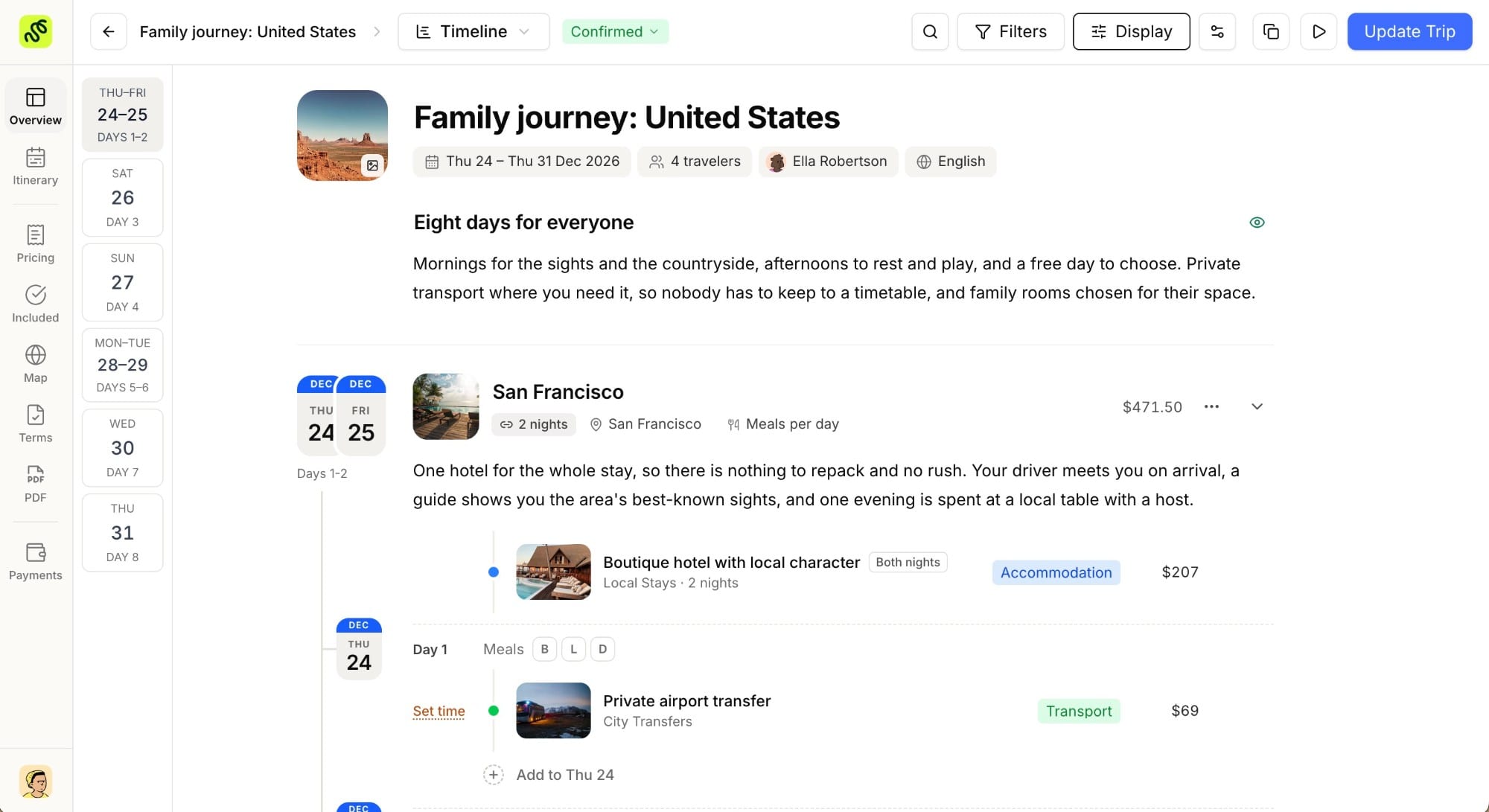
- A single source of truth per trip. Not a document that gets emailed around and re-saved with a new filename each time: one live record that everyone opens, edits, and sees update in real time.
- Clear ownership per stage. Sales qualifies the lead, design builds the itinerary, ops confirms bookings. Collaboration doesn’t mean everyone does everything. It means each stage hands off cleanly to the next without re-explaining the trip from scratch.
- Visibility without full access. A ground operator or partner DMC often needs to see or edit a specific piece of a trip, not your entire client list, pricing, or other bookings.
Miss any one of these and the team ends up rebuilding context every time a trip changes hands, which is where most of the wasted hours in a growing agency actually go.
In practice, this means your team needs defined roles and permissions attached to the workspace itself, not an honor system where everyone technically has access to everything and nobody’s actual responsibility is written down anywhere.
Shared templates: consistency without a style guide
The fastest way to keep quality consistent across a team isn’t a written style guide nobody reads: it’s a shared itinerary builder with reusable templates for the trip types your agency sells most. If you’re not sure what to look for in one, the short version is that a proper itinerary builder separates the reusable structure of a trip from the client-specific details, so a template stays useful across dozens of proposals instead of being one designer’s private document.
A template locks in the structure that already works (day-by-day flow, the inclusions your agency always specifies, the tone of the descriptions), so a newer team member’s proposal reads at the same level as your most experienced designer’s, on day one. It also means “the Sicily trip” or “the safari format” is a starting point everyone builds from, rather than a private file living on one person’s laptop.
Templates work best when they’re treated as living documents. If a coordinator finds a better way to phrase an inclusion or structure a day, that improvement should update the template for the next person who uses it, not stay locked in the one itinerary where it was first written.
Handoffs: keeping context when a trip changes hands
Most of the breakdowns in team collaboration happen at handoffs: sales to design, design to ops, anyone to a colleague covering while they’re out.
A handoff that works carries three things forward: what the client actually asked for (not a paraphrase two people removed from the original conversation), what’s already been promised or ruled out, and what stage the trip is currently at. Without all three, the receiving person either re-asks the client questions that make the agency look disorganized, or guesses, and guesses are how a promised ocean-view room quietly disappears from the final proposal.
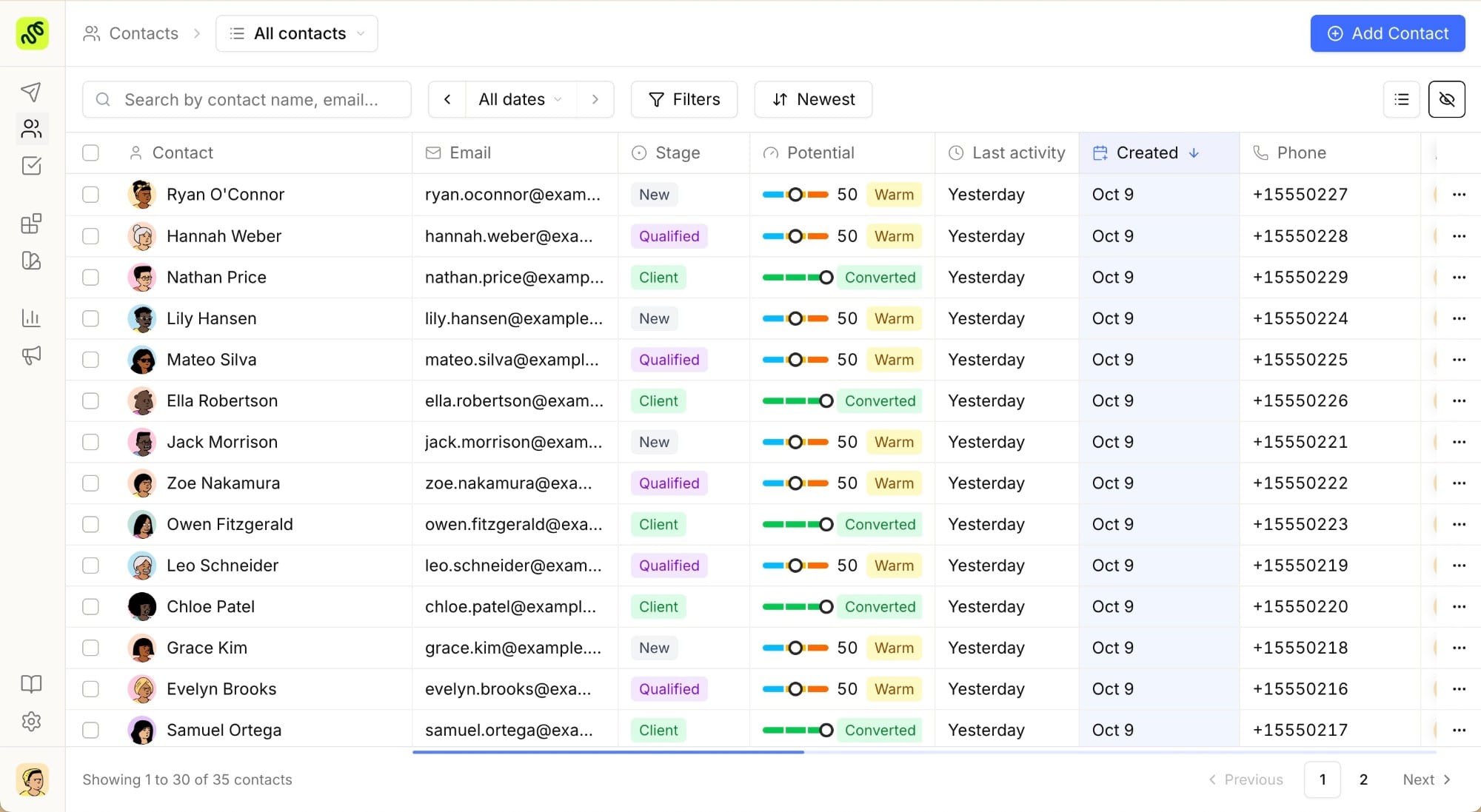
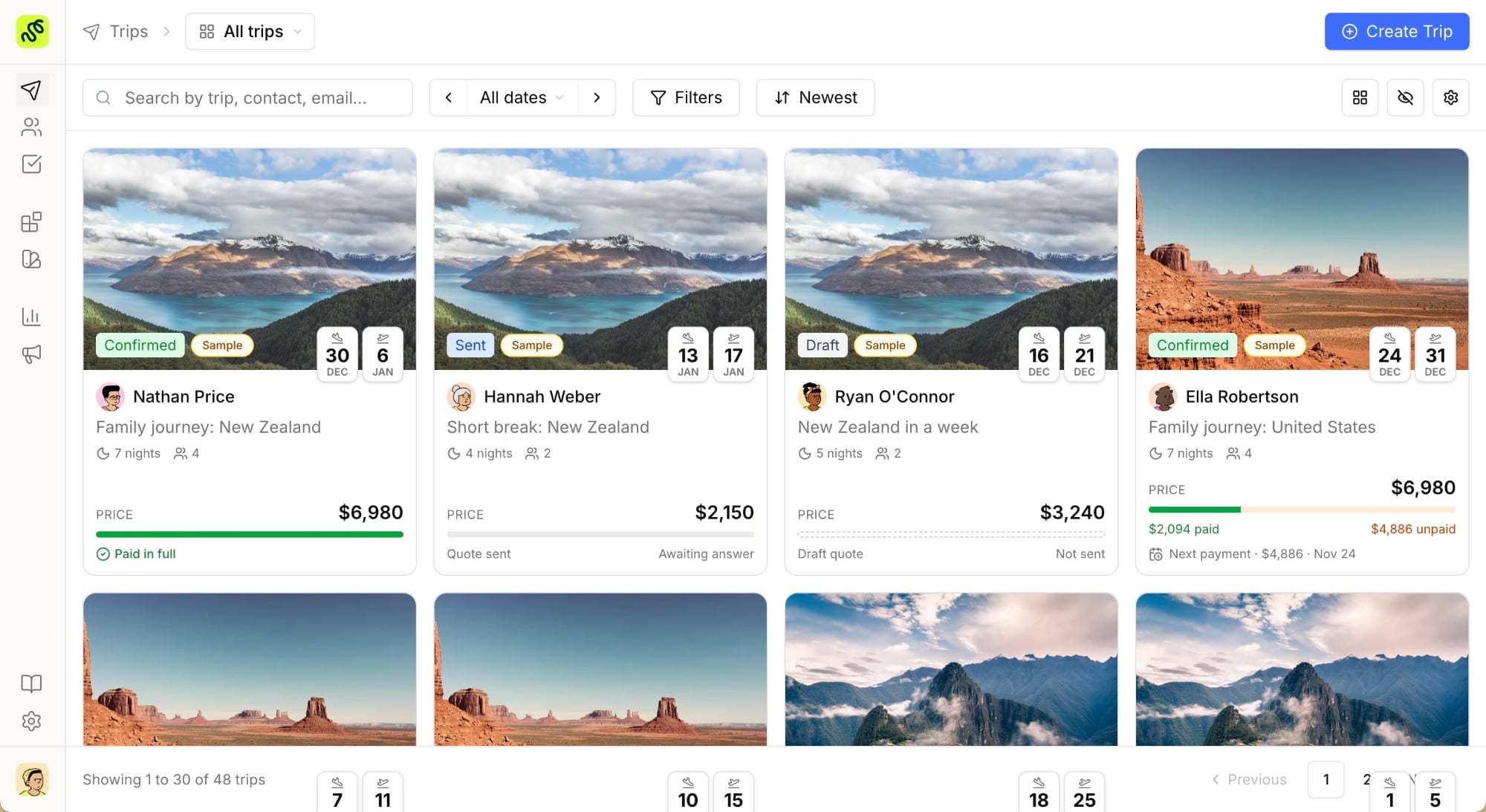
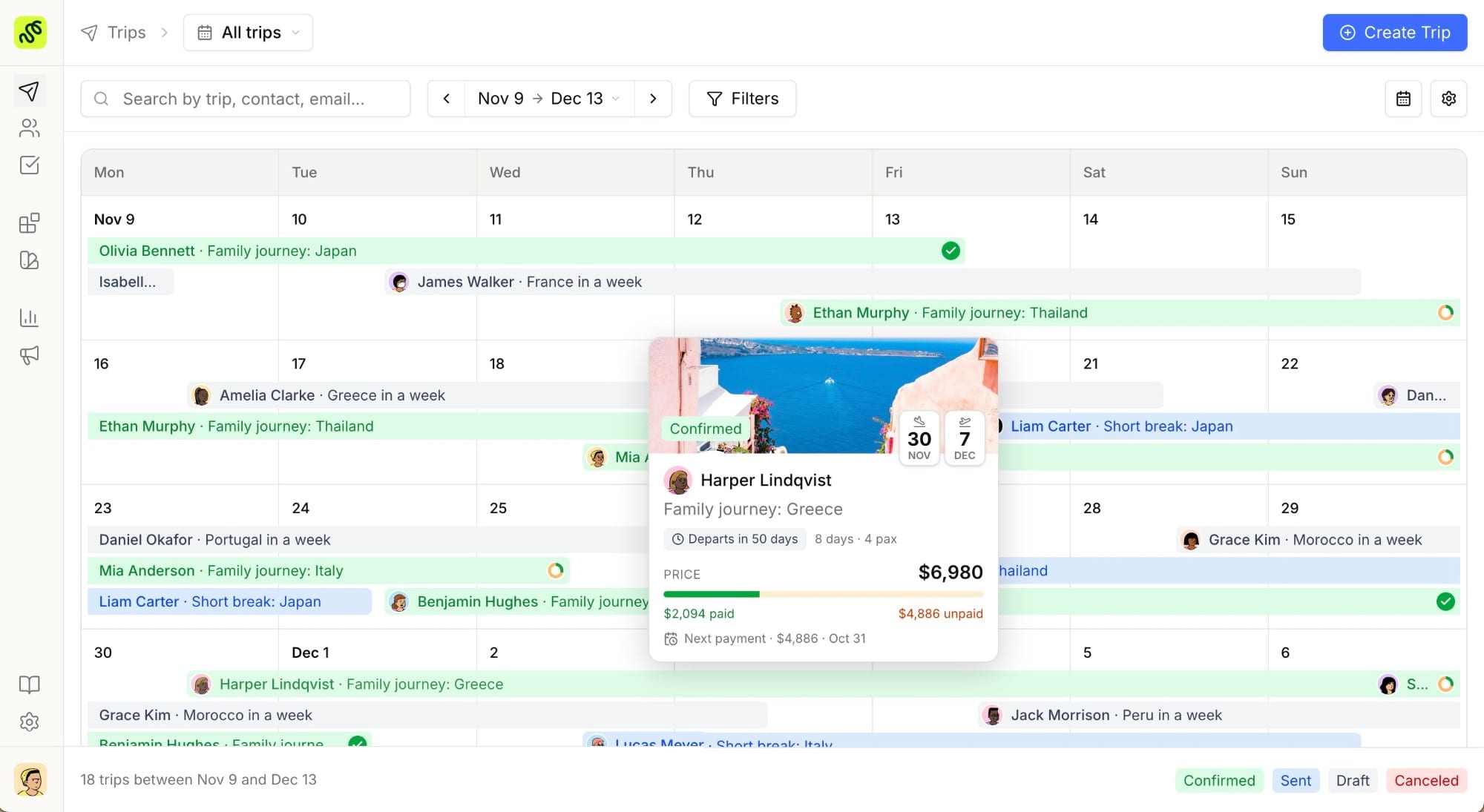
This is where having the itinerary, the client’s notes, and the pipeline stage in one connected system (rather than split across email, a shared drive, and someone’s memory), actually pays for itself. A travel CRM tied to the itinerary means the person picking up a trip mid-flow sees the same history the previous person had, not a summary of it.
A written proposal checklist helps here too, even on a solo desk, but it becomes essential once a handoff is involved. It gives the person receiving the trip a fixed set of things to verify (inclusions, pricing, confirmed availability) before it goes out, instead of trusting that whoever touched it last checked everything.
Version control: who changed what, and when
“Which version is the current one” is a question that should never need to be asked out loud in a travel agency, but it comes up constantly once more than one person edits a trip.
The practical fix is a change history attached to the itinerary itself: every edit (a swapped hotel, an added excursion, a price adjustment), visible with who made it and when, on the same record everyone else is already looking at. That’s different from relying on filenames like “Italy_v3_FINAL_reallyfinal.docx,” which solves nothing once two people are editing on the same day.
Version history also protects you when a client disputes what was included. Being able to show exactly when a change was made (and by whom) turns an awkward argument into a two-minute lookup.
Bringing in outside partners without full account access
Independent agencies and small DMCs regularly need a ground operator, a local guide, or a partner agency to see or contribute to part of a trip, without handing them the keys to your entire client book.
The right level of access is narrow: a specific trip, sometimes a specific day or service within it, visible or editable by the partner, with everything else in your workspace staying closed. This lets a local partner confirm availability or suggest a change directly on the relevant part of the itinerary, instead of routing every update through an email chain that adds a full day to the turnaround.
It also keeps your pricing, your other clients, and your commercial terms exactly where they belong: visible only to your team.
Common team-collaboration mistakes
Treating a shared drive as a collaboration system. A folder of documents is storage, not collaboration. Nothing about it tells you which file is current or who is editing it right now.
No defined handoff point. If it’s unclear exactly when a trip moves from sales to design, both sides assume the other is handling it, and client questions go unanswered in the gap.
Onboarding new team members onto tribal knowledge. If “how we build a trip” only exists in one experienced designer’s head, every new hire takes months to reach the same quality bar. Templates and a documented itinerary structure close that gap in weeks, not months.
Giving external partners full account access. It’s faster in the moment and a real liability later, both for client confidentiality and for your own pricing staying yours.
Keep the whole team on one itinerary
Try every feature free for 7 days. TravelBuilderPro gives your whole team one connected itinerary builder and CRM, so a trip stays in sync from the first inquiry to the final booking. Start free
Common questions
01What does team collaboration mean for a small travel agency?
It means everyone working on a trip (sales, design, ops, and sometimes outside partners) sees the same current version of the itinerary and client history, instead of piecing it together from email threads and separate documents. For a two-or-three-person agency, this usually starts mattering the moment a second person begins touching client-facing work.
02How do I stop two team members from overwriting each other’s edits?
The itinerary needs to live in one place that updates in real time for everyone with access, with a visible history of changes, rather than a document that gets copied, edited separately, and merged back together by hand.
03Can I let a partner DMC or ground operator edit part of a trip without giving them full access?
Yes, if your workspace supports scoped access: sharing a specific trip or service rather than your entire account. That lets a partner confirm details or suggest changes directly where they’re needed, without exposing your other clients or pricing.
04How do templates help a growing travel agency team?
A shared itinerary template locks in the structure and tone that already works, so a newer team member’s first proposal reads at the same standard as an experienced designer’s: instead of every person starting from a blank page and reinventing the format.
05Is a shared drive enough for a small agency, or do we need dedicated software?
A shared drive can work briefly for a single-person operation, but it breaks down as soon as two people edit the same trip in the same week: there’s no reliable way to see who has the current version. A connected itinerary builder and CRM solves that by making one live record the source of truth for the whole team.
Summarize this article with AI
Opens your assistant with the question already written.