For most of the ten years I ran a tour operation, “sending the proposal” meant exporting a PDF, attaching it to an email, and hoping the client opened it before their inbox buried it. If you still share travel proposals online the same way (as a static file instead of a live link), you’re carrying a habit that quietly costs you bookings. Clients can’t easily compare options, forward a clean version to a partner, or approve anything without printing, signing, and scanning something back. There’s a simpler way, and it doesn’t require ripping up your workflow.
The problem with PDF-and-email proposals
A PDF is a snapshot. The moment you email it, it stops being a working document and becomes a dead one. If the client asks for a cheaper hotel option, you rebuild the file and send a new attachment. Now there are two versions in their inbox and neither is obviously the current one. If they want to share it with a partner or a manager who controls the budget, they forward an email thread instead of a clean, branded page. And you have no idea whether they’ve actually opened it, read past page two, or quietly moved on to a competitor’s quote.
None of that is a client problem. It’s a delivery-mechanism problem, and it’s fixable without changing what’s in the proposal, only how it reaches the client.
There’s a second cost that’s easier to miss: the approval step. A PDF that needs a signature usually gets printed, signed, scanned, and emailed back, or, more realistically, it sits unsigned for a week while the client means to get around to it. Every extra step between “I like this trip” and “confirmed booking” is a chance for a client to lose momentum, get distracted by a cheaper-looking competitor email, or simply forget.
What sharing travel proposals online actually means
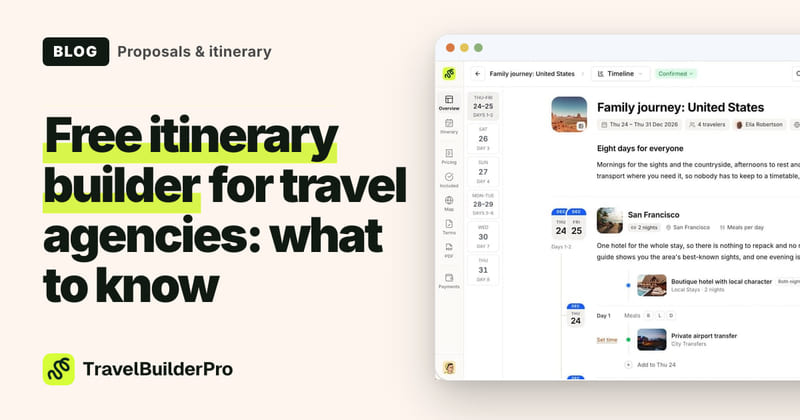
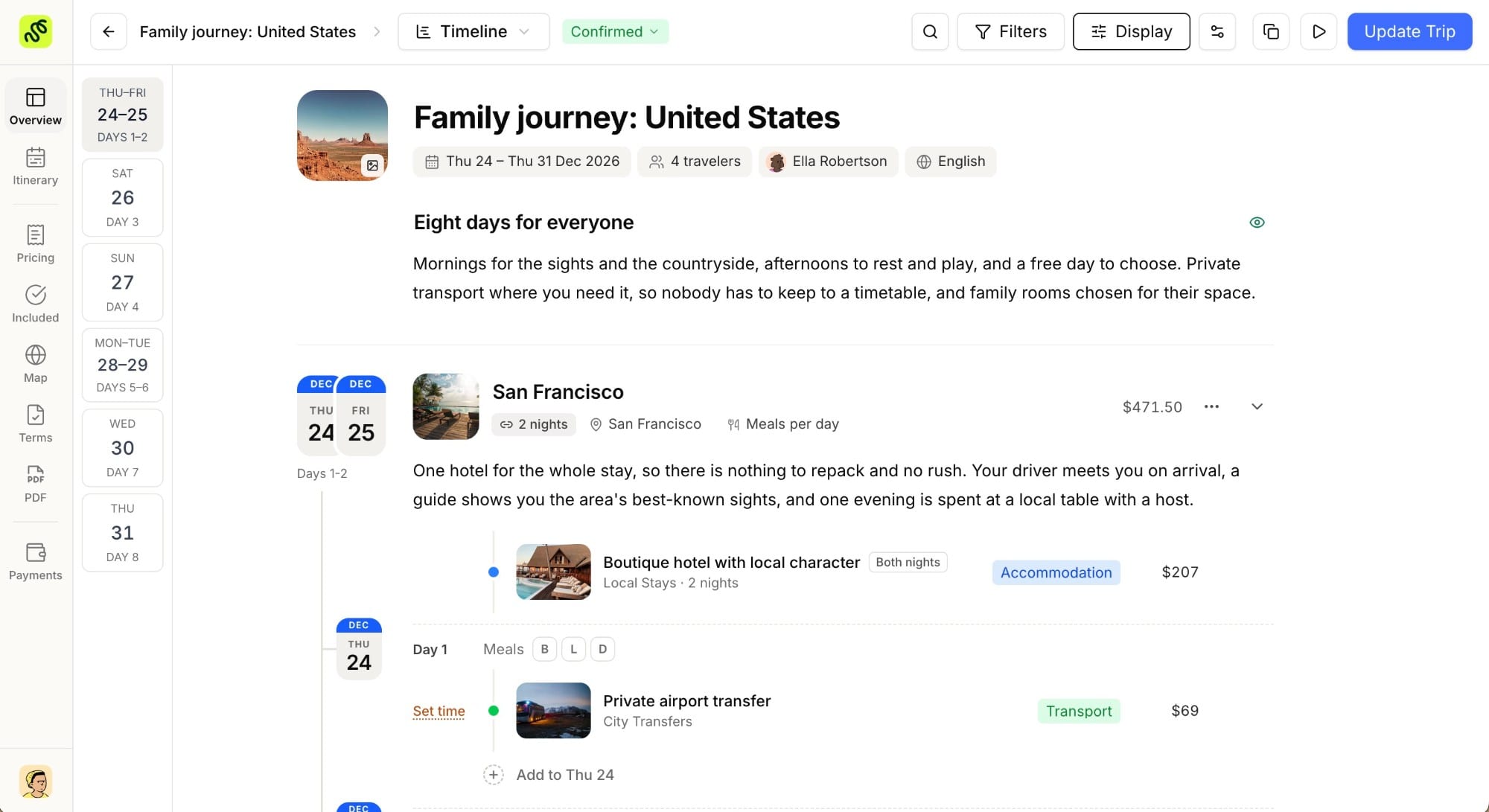
Sharing a proposal online means the client receives a link, not a file. Behind that link is the same itinerary you designed (day-by-day plan, pricing, photos, inclusions), but it lives on a page you control. Update a hotel, adjust a price, or add a day, and the client’s link reflects it instantly. There’s no “final_v3_REAL.pdf” floating around, because there’s only ever one version.
This is the model most software-as-a-service proposal tools converge on, and it’s the default in TravelBuilderPro’s itinerary builder: you build the trip once, then share it as a link instead of exporting a document. The client opens it on their phone or laptop, no download required.
Build the proposal once, then just share the link
The craft of writing a good proposal doesn’t change. The structure still matters more than the delivery format. If you’re not sure your proposals are hitting the right notes before you start thinking about how to send them, our proposal checklist walks through the sections that make a quote easy to say yes to: clear day-by-day flow, transparent inclusions/exclusions, and pricing that doesn’t need a phone call to explain.
Once that structure is in place, the itinerary you build becomes the single source of truth. There’s no separate “proposal document” to maintain outside the tool. In the language of the trade, this is what an itinerary builder is for: assembling a day-by-day trip into something you can hand to a client directly, rather than retyping the same information into a Word template every time.
What changes for the client
Put yourself on the receiving end. A PDF asks the client to open an attachment, scroll through pages, and remember what they thought on page four once they reach page nine. A shared proposal link behaves more like a web page: sections they can jump between, images that load properly instead of compressing into a grainy attachment, and pricing that updates live if you tweak something after a call.
It also travels better. A link pastes cleanly into a text message or a WhatsApp thread to a travel partner: “here’s what I’m thinking, what do you think?”: in a way a 4MB PDF attachment never does. For FIT clients booking a custom trip, that informal, low-friction sharing is often how the real decision gets made, not in your original email.
What changes for you and your team
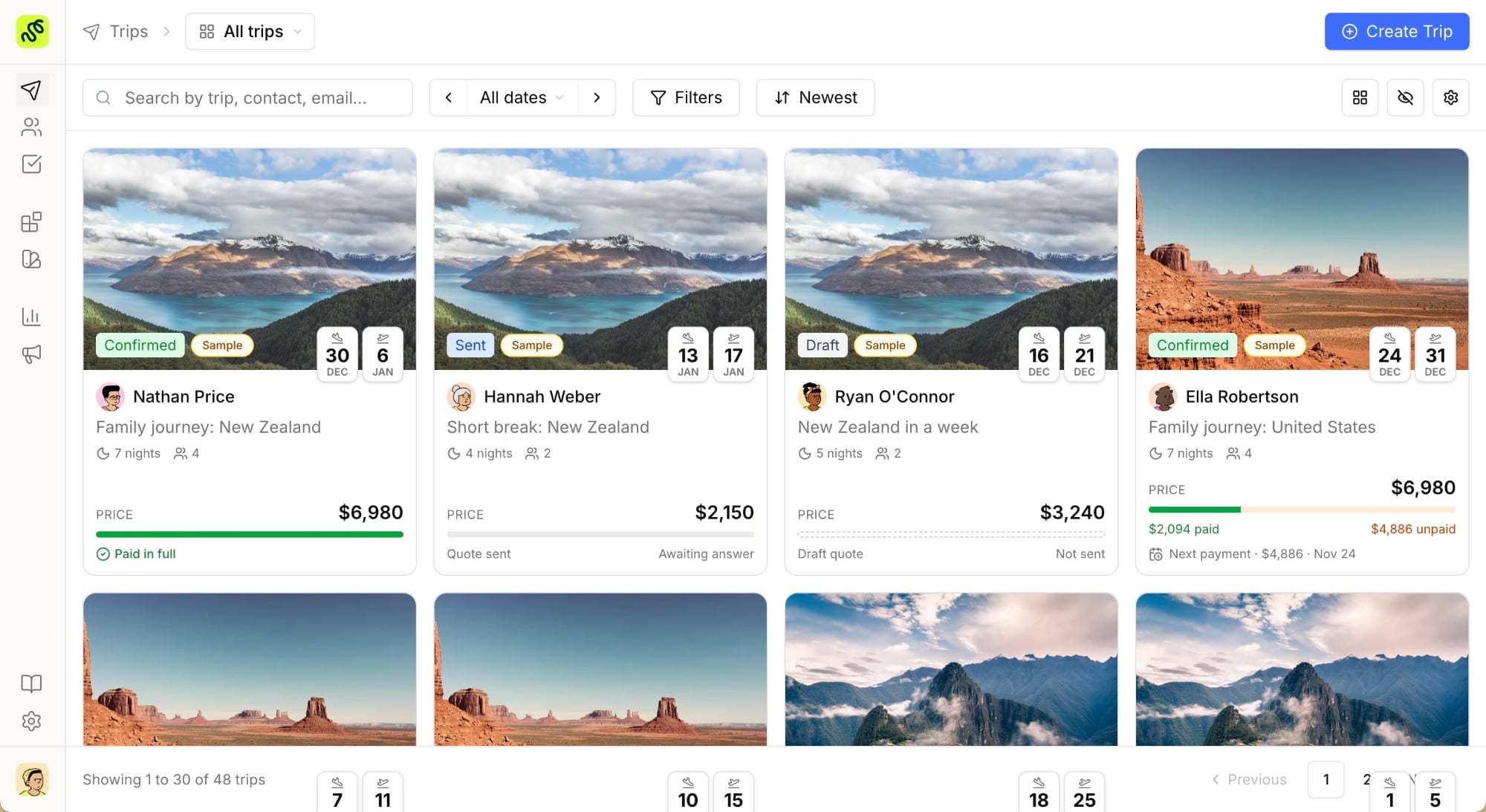
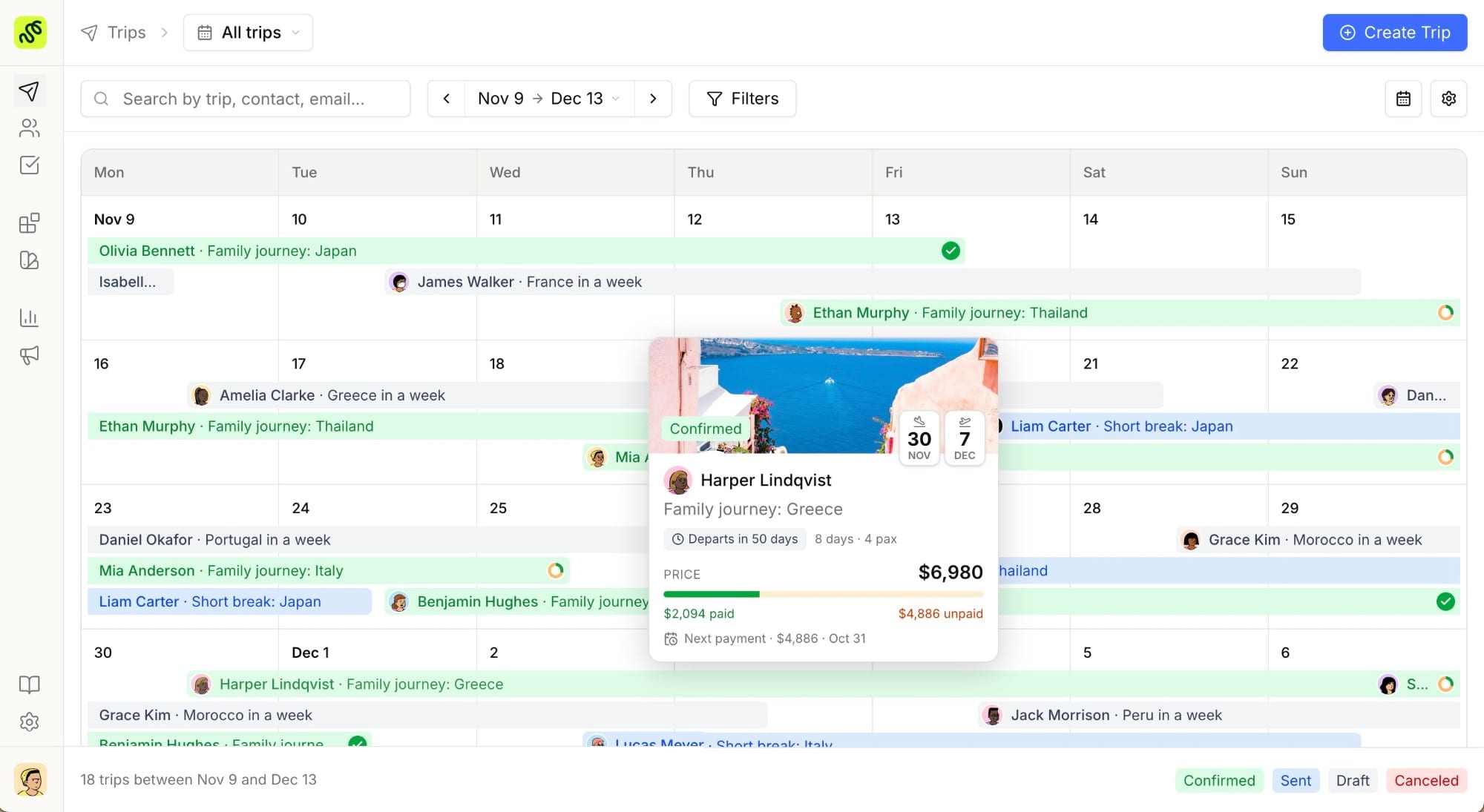
The client-facing benefits are the obvious ones, but the internal side is where I noticed the bigger relief once I stopped attaching files. When every proposal lives in one tool instead of scattered across a “Proposals” folder, an email sent-items search, and whatever’s still open in someone’s downloads, you stop losing track of what’s actually pending. Anyone on the team can open the same itinerary and see its current state, no asking a colleague “did you send the updated version?” while they’re out of office.
It also removes a quiet source of errors: the wrong attachment. Anyone who has sent a client an outdated PDF by mistake (a stale price, a hotel that’s since sold out) knows how awkward the follow-up call is. When there’s one editable source instead of a pile of exported files, that specific mistake stops happening, because there’s nothing to accidentally attach.
For agencies with more than one designer or agent working proposals, this matters even more. A shared, editable itinerary means a colleague can step in on a quote without reverse-engineering someone else’s file naming convention first.
A quick before-and-after
| PDF + email | Shared link | |
|---|---|---|
| Update a price or hotel | Re-export and resend | Edit once, link updates instantly |
| Client shares with a partner | Forwards an email or attachment | Pastes one link |
| Version confusion | Common (“which one is current?”) | Noneone live version |
| Visibility into client engagement | None | Depends on the tool, but generally better than a PDF’s silence |
| Mobile experience | Awkward: pinch-to-zoom on a document | Built for the screen it’s opened on |
Making the switch this week
You don’t need to overhaul your sales process to start sharing proposals online instead of attaching them. The realistic path looks like this:
- Pick one active quote you’d normally export as a PDF this week, and build it directly in your itinerary builder instead.
- Send the link, not the file. Resist the urge to also attach a PDF “just in case”: that reintroduces the two-versions problem you’re trying to escape.
- Watch what the client does with it. Do they forward it? Ask questions about a specific day? That’s the kind of engagement a static attachment never surfaces.
- Fold in your checklist. Use your proposal structure checklist so the content is tight before you ever think about format.
- Repeat for the next quote, and retire the PDF habit once the new one feels natural, usually after three or four proposals.
If you run a small team, do this yourself first before rolling it out. It’s a lot easier to convince an agent to change habits when you can point to two or three of your own quotes that closed faster, instead of asking them to trust a process you haven’t tested.
Agencies and independent travel designers who make this switch usually don’t notice a dramatic before-and-after moment. What they notice, a few weeks in, is that they’ve stopped fielding “which version is current?” emails and started getting faster yes-or-no answers.
Ready to stop attaching PDFs?
Building and sharing proposals as live links takes about the same effort as building them in a document. It’s the send step that changes. Try every feature free for 7 days and turn your next quote into a link instead of an attachment: start your free trial.
Common questions
01Do clients need to create an account to view a shared proposal?
No: the point of a shared link is that it opens instantly, the same way any web page does. Requiring a login before someone can see a quote adds friction at the exact moment you want none.
02Can I still export a PDF if a client specifically asks for one?
Yes, most itinerary tools (TravelBuilderPro included) let you export a branded PDF from the same itinerary when someone genuinely needs an offline copy, for example to print or file with an expense report. The shared link is the default; the PDF becomes the exception instead of the rule.
03Is a shared link less “official” than a PDF attachment?
Not if it’s branded properly. A link that opens to your agency’s logo, colors, and a clean layout reads as more professional than a generic PDF, not less: especially on mobile, where PDFs are notoriously awkward to read. Clients judge professionalism by how polished the experience feels in the moment, not by whether the file extension says .pdf.
04What happens if I need to send the same proposal to two clients traveling together?
Each client can get their own link to the same itinerary, or you can share one link both parties open: either way, you’re not maintaining separate files that can drift out of sync.
05Does this only work for custom FIT trips, or also for group itineraries?
It works for both. A tour operator sharing a fixed group departure benefits the same way an independent designer does: one editable source, shared as a link, instead of a document that goes stale the moment a supplier rate changes.
Summarize this article with AI
Opens your assistant with the question already written.